2. Use the softkeys to set the scanner interface function to ON or
OFF.
System Menu
The system menu on this page allows you to perform the following
functions.
Printer
The printer function is the same as the function of
NNNNNNNNNNNNNNNNNNNNNNNNNNNNNNNN
PRINT DISP
of
the system menu on the
MEAS DISPLAY
page. (The description of
the function is given in \System Menu" in Chapter 4.) So only the
setting pro cedures for this function are describ ed in the follo wing
paragraphs.
Printer Function
Perform the following steps to print out the displayed page or the
measurement data using the PRINT DISP mo de.
1. Connect the HP 4284A to the printer using an HP-IB cable.
2. Set the printer to the Listen Only mo de.
3. Set the Talk Only mo de to ON from the
SYSTEM CONFIG
page.
4. Move the cursor to the
SYS MENU
eld.
5. Press
NNNNNNNNNNNNNNNNNNNNNNNNNNNNNNNN
PRINT DISP
to print out the displayed page. The displayed
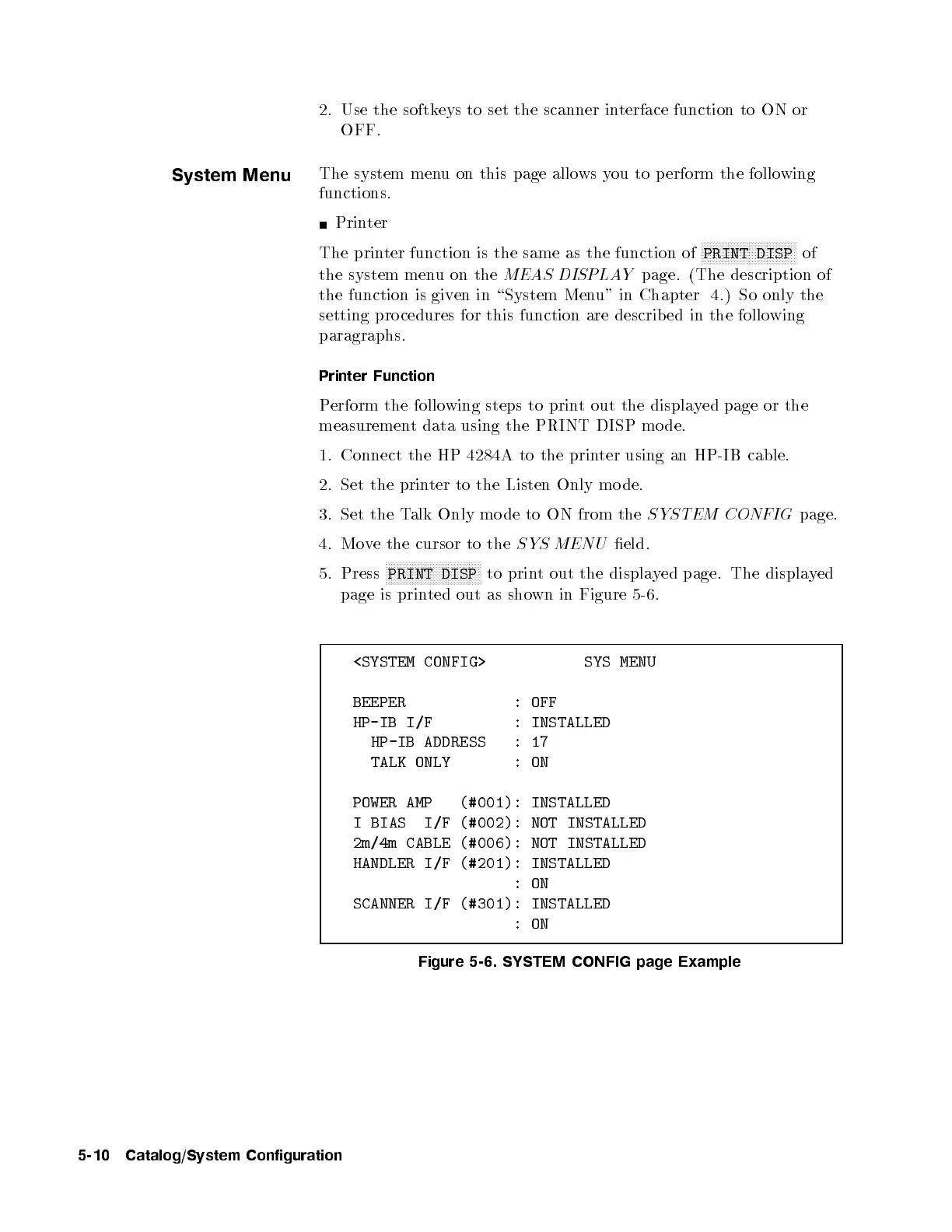
page is printed out as shown in Figure 5-6.
<SYSTEM CONFIG> SYS MENU
BEEPER : OFF
HP-IB I/F : INSTALLED
HP-IB ADDRESS :17
TALK ONLY :ON
POWER AMP (#001): INSTALLED
I BIAS I/F (#002): NOT INSTALLED
2m/4m CABLE (#006): NOT INSTALLED
HANDLER I/F (#201): INSTALLED
:ON
SCANNER I/F (#301): INSTALLED
:ON
Figure 5-6. SYSTEM CONFIG page Example
5-10 Catalog/System Configuration



 To Next Page