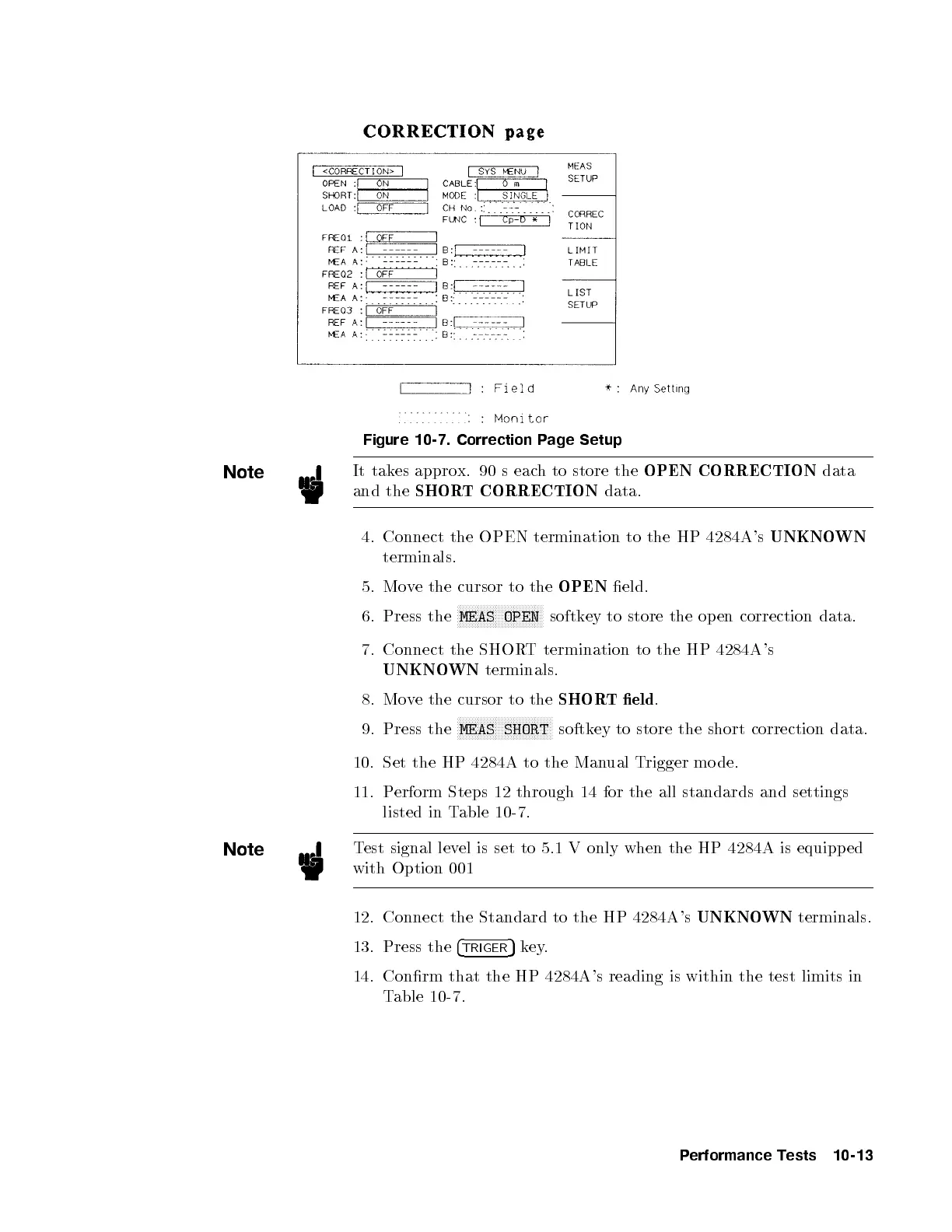
Figure 10-7. Correction Page Setup
Note
It takes approx. 90 s each to store the
OPEN CORRECTION
data
and the
SHORT CORRECTION
data.
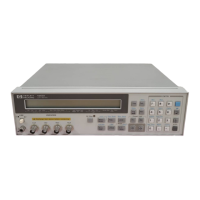
4. Connect the OPEN termination to the HP 4284A's
UNKNOWN
terminals.
5. Move the cursor to the
OPEN
eld.
6. Press the
NNNNNNNNNNNNNNNNNNNNNNNNNNNNN
MEAS OPEN
softkey to store the op en correction data.
7. Connect the SHORT termination to the HP 4284A's
UNKNOWN
terminals.
8. Move the cursor to the
SHORT eld
.
9. Press the
NNNNNNNNNNNNNNNNNNNNNNNNNNNNNNNN
MEAS SHORT
softkey to store the short correction data.
10. Set the HP 4284A to the Manual Trigger mo de.
11. Perform Steps 12 through 14 for the all standards and settings
listed in Table 10-7.
Note
Test signal level is set to 5.1 V only when the HP 4284A is equipp ed
with Option 001
12. Connect the Standard to the HP 4284A's
UNKNOWN
terminals.
13. Press the
4
TRIGER
5
key.
14. Conrm that the HP 4284A's reading is within the test limits in
Table 10-7 .
Performance Tests 10-13


 To Next Page