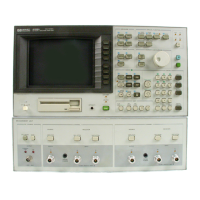
HP-IB Interface Test
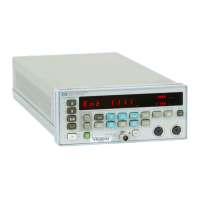
This test veries the HP 4284A'S HP-IB function.
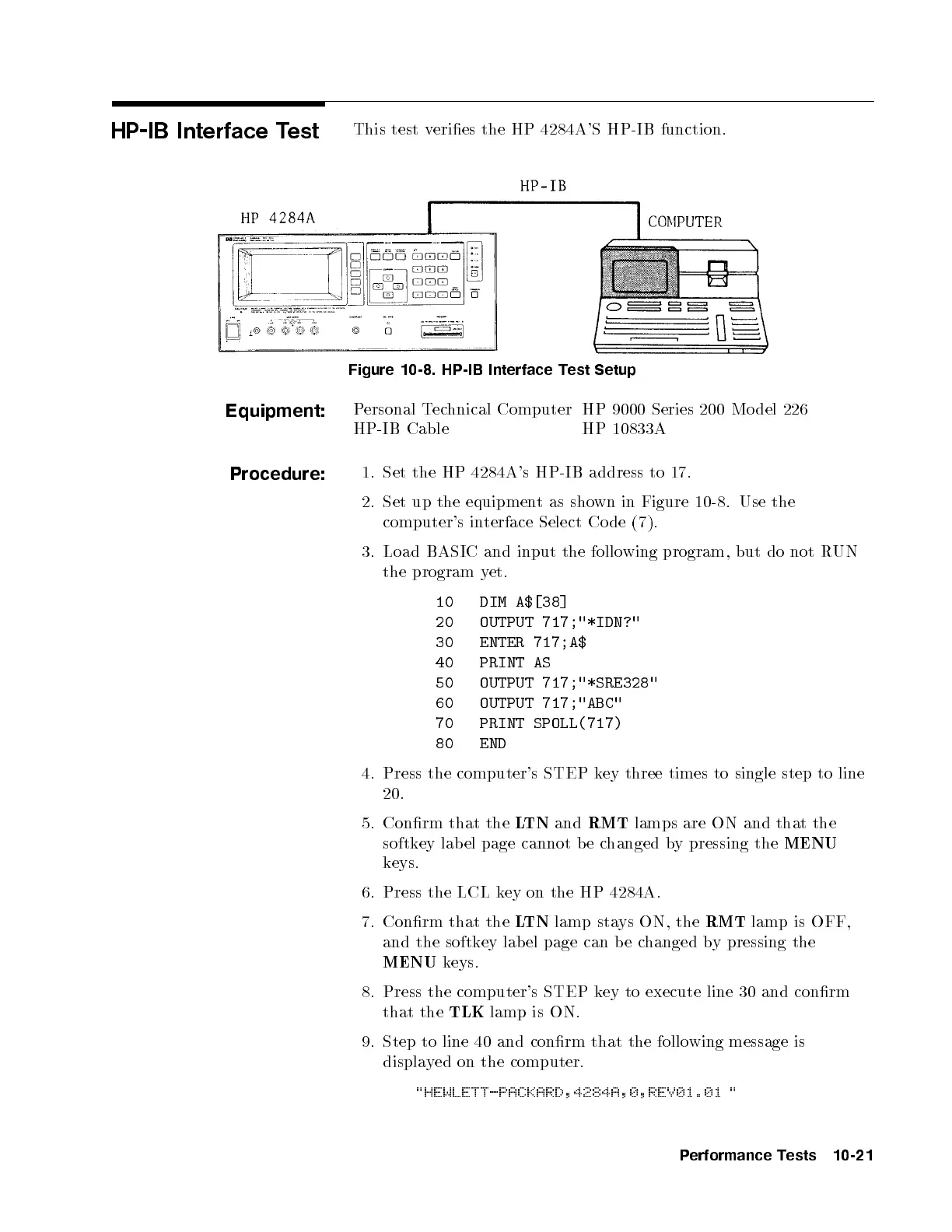
Figure 10-8. HP-IB Interface Test Setup
Equipment:
Personal Technical Computer HP 9000 Series 200 Mo del 226
HP-IB Cable HP 10833A
Procedure:
1. Set the HP 4284A's HP-IB address to 17.
2. Set up the equipment as shown in Figure 10-8. Use the
computer's interface Select Co de (7).
3. Load BASIC and input the follo wing program, but do not R
UN
the program yet.
10 DIM A$[38]
20 OUTPUT 717;"*IDN?"
30 ENTER 717;A$
40 PRINT AS
50 OUTPUT 717;"*SRE328"
60 OUTPUT 717;"ABC"
70 PRINT SPOLL(717)
80 END
4. Press the computer's STEP key three times to single step to line
20.
5. Conrm that the
LTN
and
RMT
lamps are ON and that the
softkey lab el page cannot b e changed by pressing the
MENU
keys.
6. Press the LCL key on the HP 4284A.
7. Conrm that the
LTN
lamp stays ON, the
RMT
lamp is OFF,
and the softkey lab el page can b e changed by pressing the
MENU
keys.
8. Press the computer's STEP key to execute line 30 and conrm
that the
TLK
lamp is ON.
9. Step to line 40 and conrm that the follo wing message is
displayed on the computer.
"HEWLETT-PACKARD,4284A,0,REV01.01 "
Performance Tests 10-21


 To Next Page