10. Move the cursor to the
TEST MENU
eld.
11. Press the
4
4
5
and
4
ENTER
5
keys to select the Handler I/F test.
12.
Press the
NNNNNNNNNNNNNNNNNNNNNNNNNNNNNNNN
TEST START
softkey.
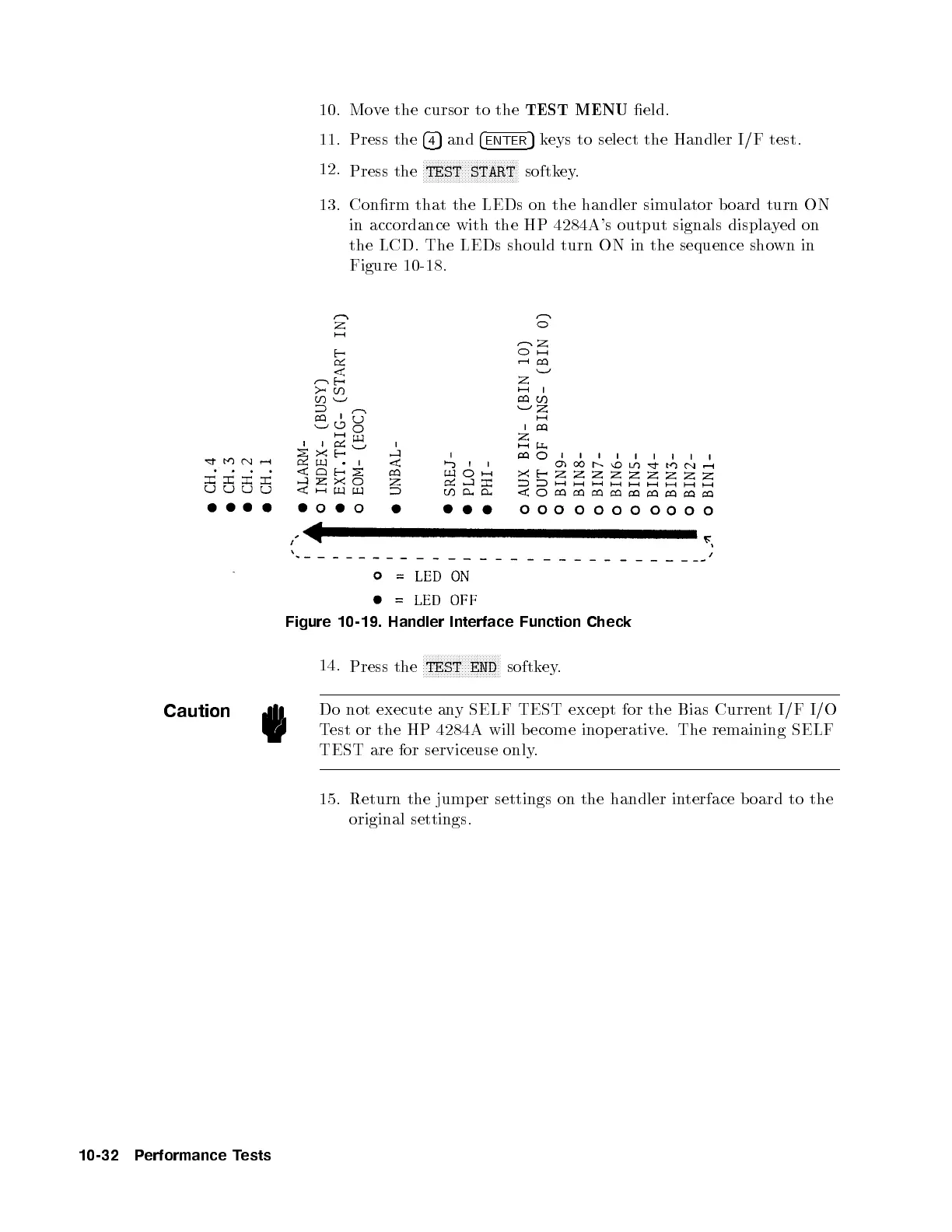
13. Conrm that the LEDs on the handler simulator b oard turn ON
in accordance with the HP 4284A's output signals displayed on
the LCD. The LEDs should turn ON in the sequence shown in
Figure 10-18.
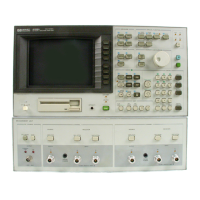
Figure 10-19. Handler Interface Function Check
14.
Press the
NNNNNNNNNNNNNNNNNNNNNNNNNN
TEST END
softkey.
Caution
Do not execute any SELF TEST except for the Bias Current I/F I/O
Test or the HP 4284A will become inop erative. The remaining SELF
TEST are for serviceuse only.
15. Return the jump er settings on the handler interface b oard to the
original settings.
10-32 Performance Tests


 To Next Page