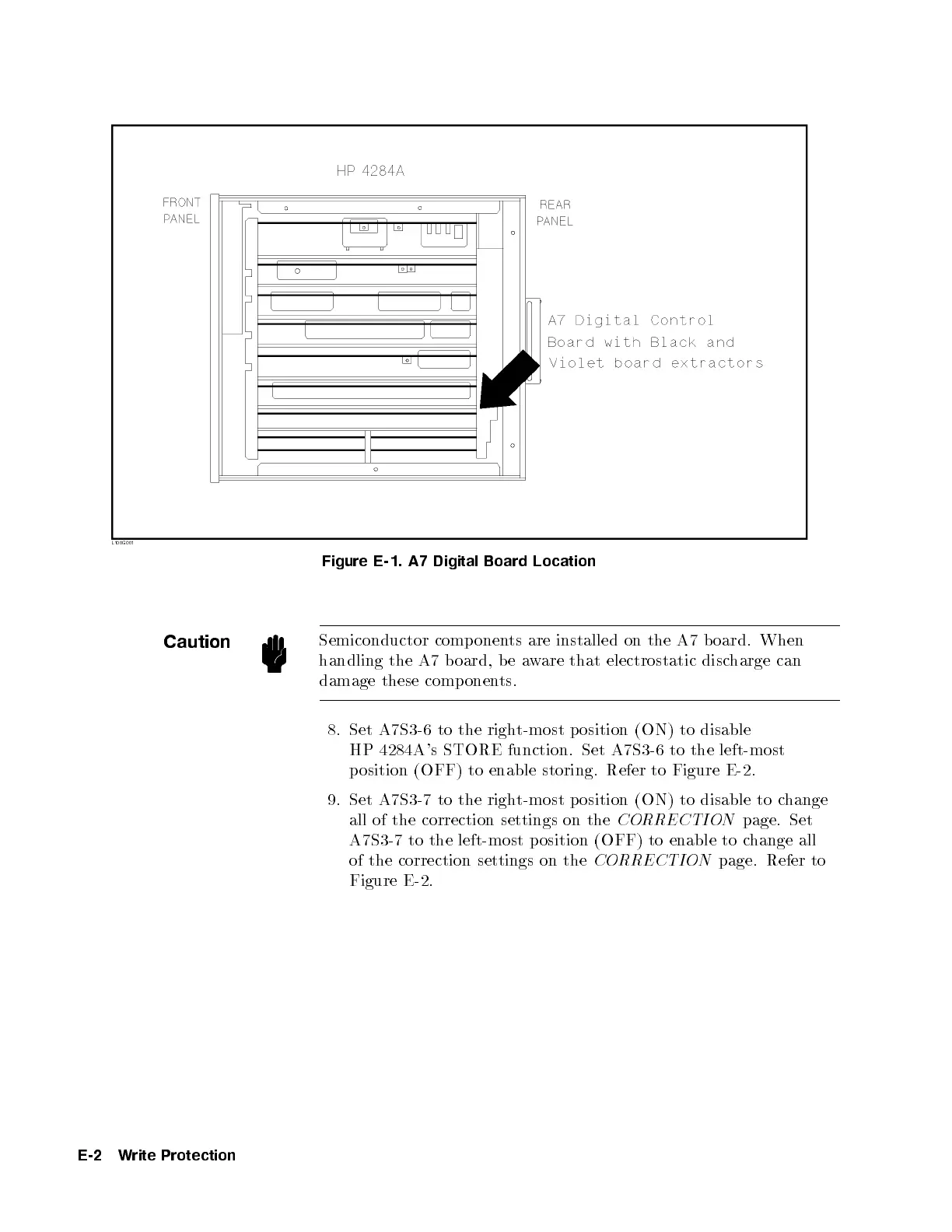
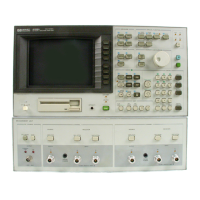
Figure E-1. A7 Digital Board Location
Caution
Semiconductor comp onents are installed on the A7 b oard. When
handling the A7 board, be aware that electrostatic discharge can
damage these components.
8. Set A7S3-6 to the right-most position (ON) to disable
HP 4284A's STORE function. Set A7S3-6 to the left-most
position (OFF) to enable storing. Refer to Figure E-2.
9. Set A7S3-7 to the right-most position (ON) to disable to change
all of the correction settings on the
CORRECTION
page. Set
A7S3-7 to the left-most p osition (OFF) to enable to change all
of the correction settings on the
CORRECTION
page. Refer to
Figure E-2.
E-2 Write Protection


 To Next Page