NNNNNNNNNNNNNN
AUTO
This softkey is used to set the measurement range to
AUTO.
NNNNNNNNNNNNNN
HOLD
This softkey is used to change the measurement range
from the AUTO mo de to the HOLD mo de. When
the measurement range is set to the HOLD mo de, the
imp edance range is xed at the current range setting,
and the imp edance range is displayed in the
RANGE
eld.
NNNNNNNNNNNNNNNNNNNN
INCR
*
This softkey is used to increment the measurement
range in the HOLD (xed range) mo de.
NNNNNNNNNNNNNNNNNNNN
DECR
+
This softkey is used to decrement the measurement
range in the HOLD (xed range) mo de.
2. Use the softkeys to set the measurement range.
Test Frequency
Description
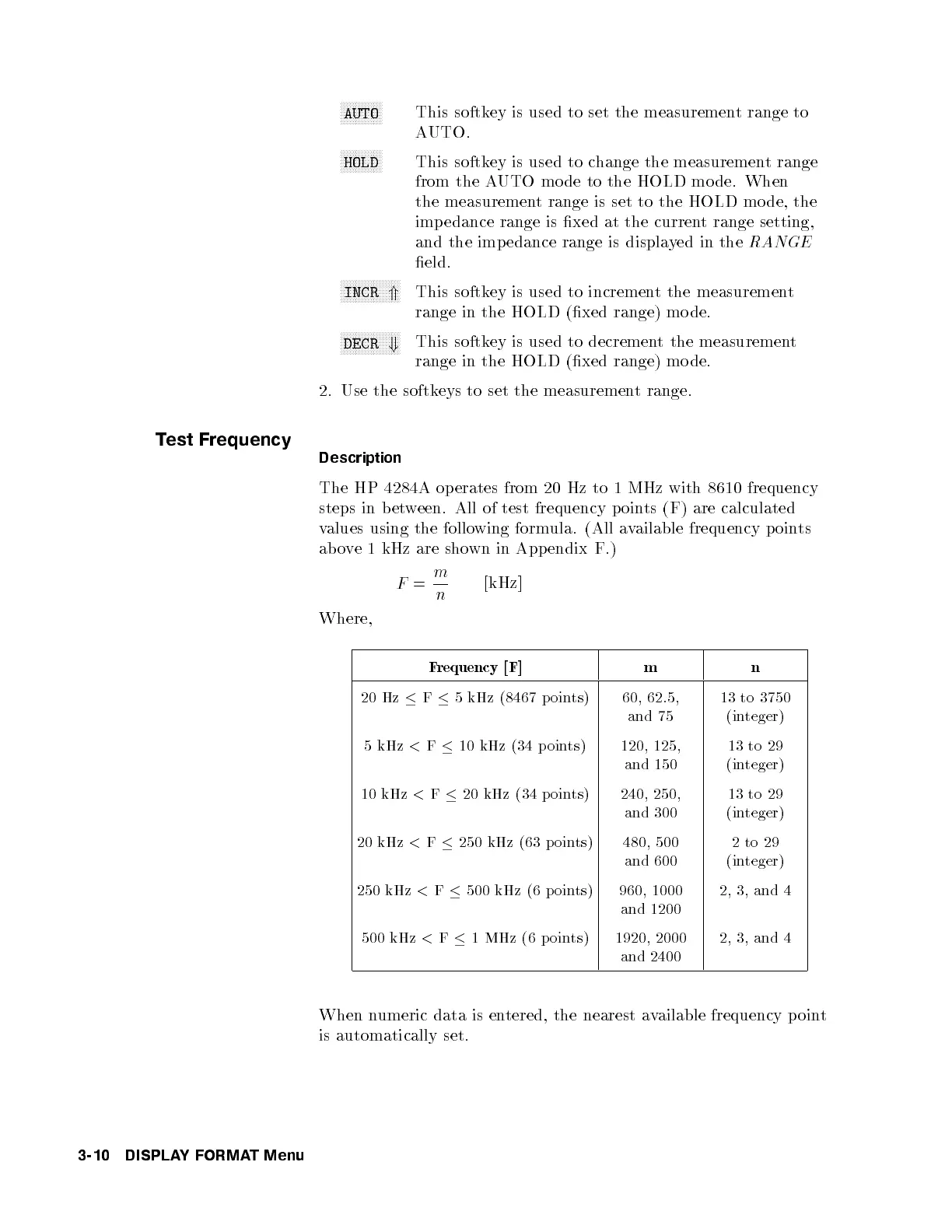
The HP 4284A op erates from 20 Hz to 1 MHz with 8610 frequency
steps in b etween. All of test frequency p oints (F) are calculated
values using the following formula. (All available frequency points
above 1 kHz are shown in Appendix F.)
F
=
m
n
[kHz]
Where,
Frequency [F] m n
20 Hz
F
5 kHz (8467 p oints)
60, 62.5,
and 75
13 to 3750
(integer)
5 kHz
<
F
10 kHz (34 p oints)
120, 125,
and 150
13 to 29
(integer)
10 kHz
<
F
20 kHz (34 p oints) 240, 250,
and 300
13 to 29
(integer)
20 kHz
<
F
250 kHz (63 p oints) 480, 500
and 600
2to29
(integer)
250 kHz
<
F
500 kHz (6 p oints)
960, 1000
and 1200
2, 3, and 4
500 kHz
<
F
1 MHz (6 p oints) 1920, 2000
and 2400
2, 3, and 4
When numeric data is entered, the nearest available frequency point
is automatically set.
3-10 DISPLAYFORMAT Menu



 To Next Page