Module Function Bsts
Equipment Required
Equipment required for the function test is listed in the table below. Any
equipment that satisfies the critical specifications of the equipment given in the
table, may be substituted for the recommended models.
Instrument/Accessory
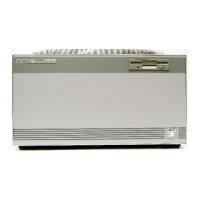
Multimeter Mainframe
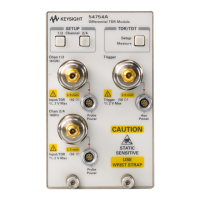
Optical Head
Digital Multimeter
BNC to BNC cable
BNC(m) to dual Banana plug
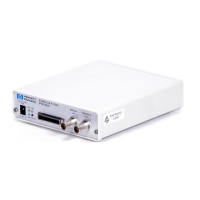
TestICal Box
Head Recognition Adapter
Test Cable
BNC(f) to dual Banana plug
DC Standard
Oscilloscope
Recommended Model
HP 8153A
HP 81520A, HP 81521B, HP 81524A, or HP
81525A
HP 3466A, with test leads.
HP 10102A
HP lOllOB
P/N 08152-63201
P/N 08152-63211
P/N 08153-61610
P/N 1251-2277
with adapter cables
Function Test
The function test given in this section is using the HP 8153A with the HP
81533B Optical Head Adapter Module and the 08152- 63201 TestICal Box to
check voltages and signals to and from the HP 81520Al21B Optical Heads.
Perform each step in the tests in the order given, using the corresponding
equipment.
Static
and
Dynamic
Tests
1. Insert the HP 81533B into the mainframe channel A position and connect
the testlcal box to its input.
2. Make sure that the head recognition adapter is connected to the
testlcal
box.
3. Turn power on and check that all display segments are lit for approximately
2
seconds and check that the HP 8153A then displays the error message
E3200 HEAD-DATSELFTEST.
4.
To
test the constant voltages:
HP
815338
and Optical Heads Performance Tests
D-3
Artisan Technology Group - Quality Instrumentation ... Guaranteed | (888) 88-SOURCE | www.artisantg.com



 To Next Page