14 DRAFT
Operation and Service Manual
Receiving and Operating
If the instrument is to be shipped to Hewlett-Packard for service or repairs, attach
a tag to the instrument identifying the owner and indicating the service or repair
required. Include the model number and full serial number of the instrument.
Original Packaging
If the original container is to be used, proceed as follows:
a Place instrument in original container. If it is not available, a suitable container can be
purchased from your nearest Hewlett-Packard sales and service office.
b Be sure the container is well sealed with strong tape or a metal band.
Other Packing Material
If the original container is not used, proceed as follows:
a Wrap the instrument in heavy paper or anti-static plastic before placing in inner anti-
static container.
b Place packing material around all sides of the instrument and protect panel face with
cardboard strips.
c Place instrument in a heavy carton and seal with strong tape. A double-wall carton
made of 200 pound test material is adequate.
d Mark shipping container; “Delicate Instrument. Fragile.”
Operating Instructions
Connect the line power cable to the three-prong rear panel socket and proceed as
follows:
a Select the line power to be used (115V or 230V) with the rear panel SELECTOR
switch.
b Connect the line power cable to line power and press the LINE switch.
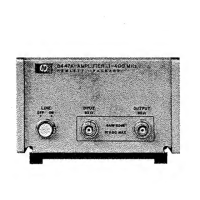
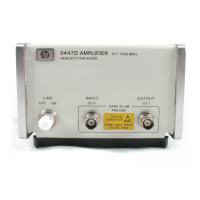
CAUTION: The input to the HP 8447D/E/F and the HP 8447F Option H64 amplifiers is very
susceptible to damage from electrostatic discharge. Before connecting any coaxial cable to
the input jack of the amplifier, make certain that static electricity buildup in the cable is
completely discharged.
Do not apply power levels to the amplifier that are higher than the following:
HP 8447D: 0 dBm
HP 8447E: −10 dBm
HP 8447F preamp: 0 dBm
HP 8447F power amp: +10 dBm


 To Next Page