Model 8642A/B
Operation
SAVE/RECALL
Description Using the Save function, you can save complete instrument states in any of the Signal
Generator's 51 recall registers (00 through 50). These registers can then be recalled
using the Recall function or the Sequence function. (Refer to Sequence, page 3-161.)
The recall registers are stored in RAM (with battery back-up) persisting through
Instrument Preset, and switching the Power from standby to on, and unplugging of the
ac power cord. However, if RAM memory is ever lost (for example, if the battery loses
its charge), all the recall registers will be lost.
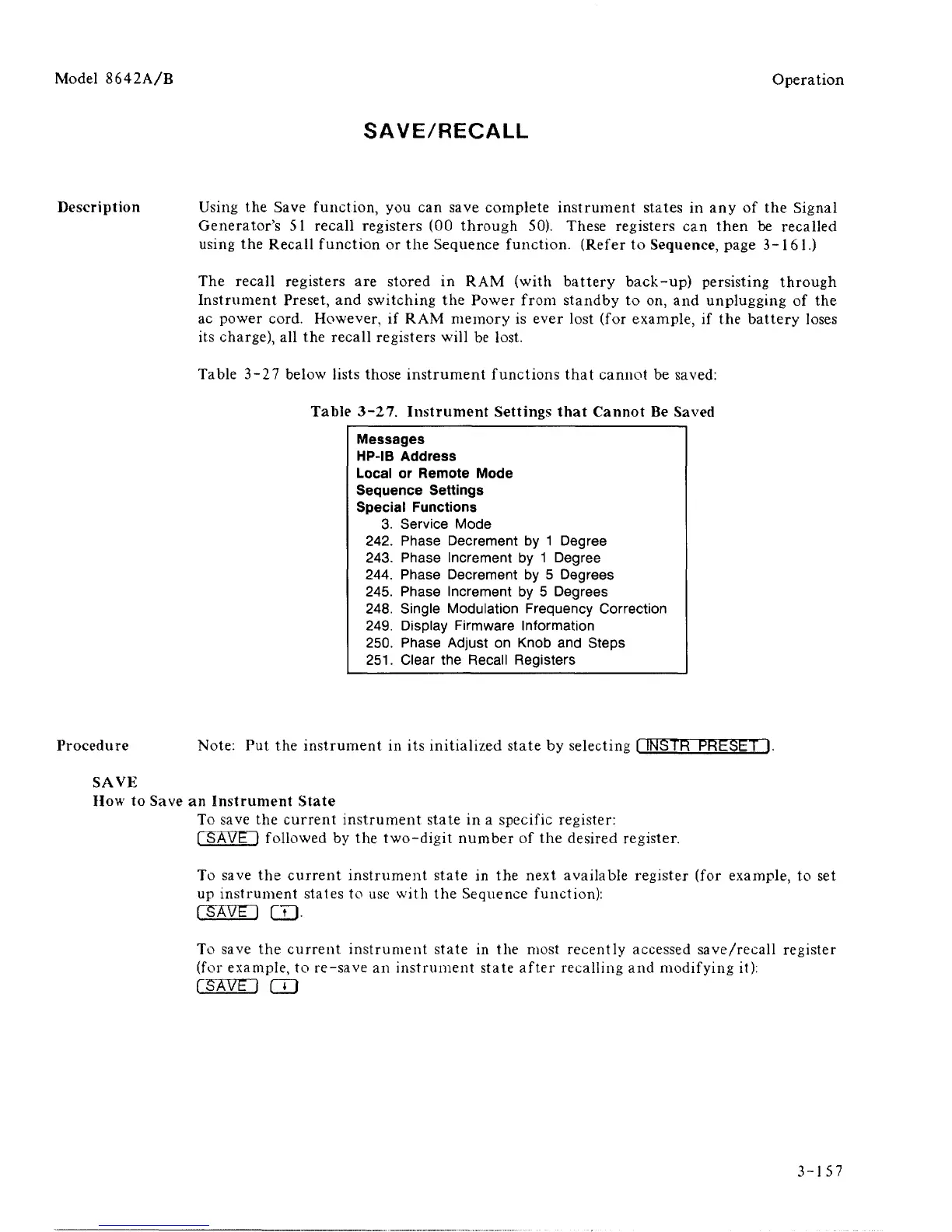
Table 3-27 below lists those instrument functions that cannot be saved:
Table 3-27. Instrument Settings that Cannot Be Saved
Messages
HP-IB Address
Local or Remote Mode
Sequence Settings
Special Functions
3.
242.
243.
244.
245.
248.
249.
250.
251.
Service Mode
Phase Decrement
Phase Increment
Phase Decrement
Phase Increment
Single Modulation
Display Firmware
Phase Adjust on
Clear the Recall
by 1
by 1
by E
by 5
Degree
Degree
> Degrees
Degrees
Frequency Correction
Information
Knob and Steps
Registers
Procedure Note: Put the instrument in its initialized state by selecting I INSTR PRESET
-
).
SAVE
How to Save an Instrument State
To save the current instrument state in a specific register:
[ SAVE l followed by the two-digit number of the desired register.
To save the current instrument state in the next available register (for example, to set
up instrument states to use with the Sequence function):
( SAVE I CD-
To save the current instrument state in the most recently accessed save/recall register
(for example, to re-save an instrument state after recalling and modifying it):
rsAWi CD
3-157



 To Next Page