Model 8642A/B
Operation
SEQUENCE
Description You can use the Sequence function to select a particular sequence of instrument states
saved in recall registers and then step through the sequence. You can also view the
next register to be displayed.
The Signal Generator has 51 registers (00 through 50) that can be recalled in
sequential order. The selected sequence is kept through Instrument Preset and through
Power STBY to ON and unplugging of the ac power cord. However, if RAM memory
is ever lost (for example, if the battery loses its charge), the sequence will be lost and
the default turn-on sequence setting will be set as start = 00, stop =50.
Procedure Note: Put the instrument in its initialized state by selecting [ INSTR PRESET ).
SET SEQ
How to Select a Sequence
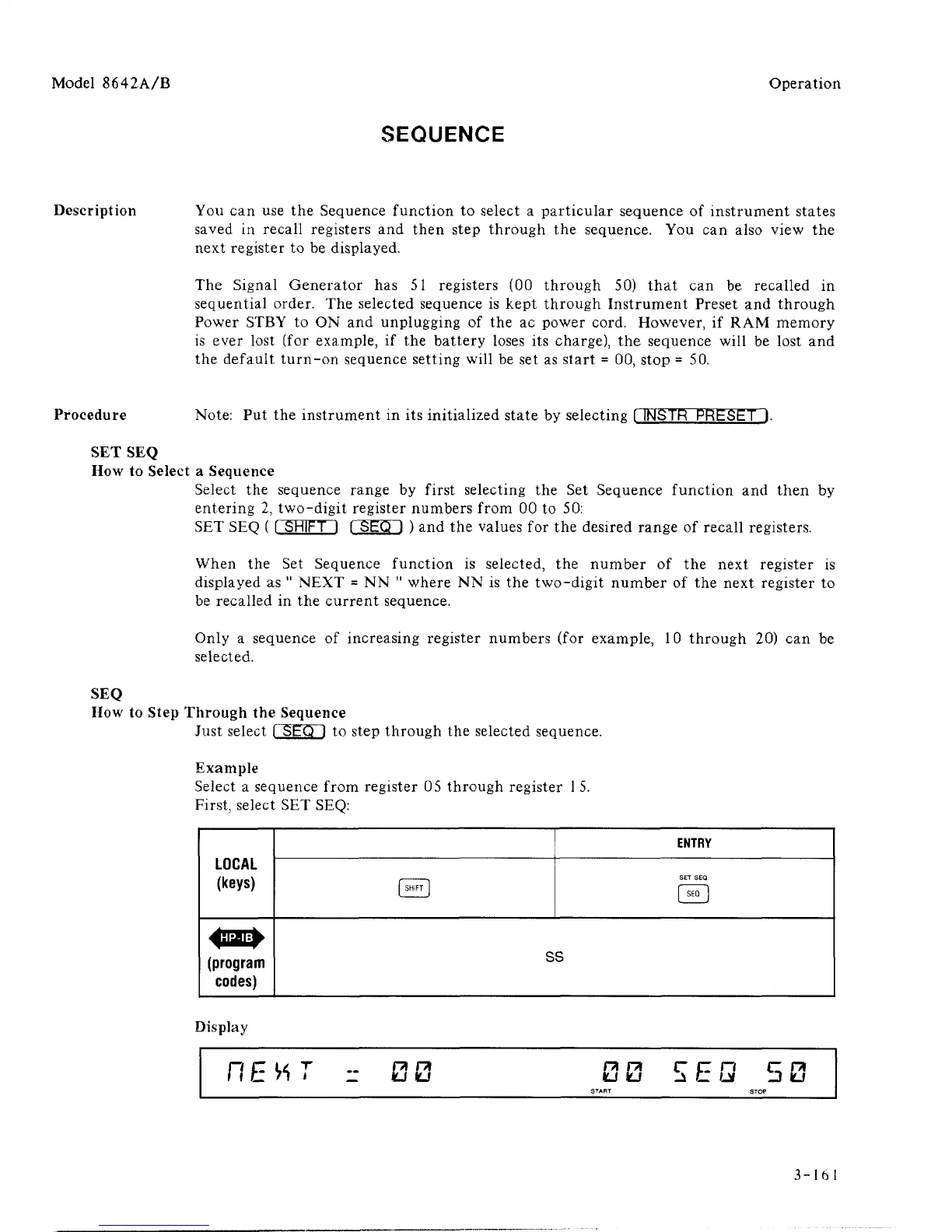
Select the sequence range by first selecting the Set Sequence function and then by
entering 2, two-digit register numbers from 00 to 50:
SET SEQ ( [ SHIFT I FSEQ ] ) and the values for the desired range of recall registers.
When the Set Sequence function is selected, the number of the next register is
displayed as " NEXT = NN " where NN is the two-digit number of the next register to
be recalled in the current sequence.
Only a sequence of increasing register numbers (for example, 10 through 20) can be
selected.
SEQ
How to Step Through the Sequence
Just select
1
SEQ
1
to step through the selected sequence.
Example
Select a sequence from register 05 through register
1
5.
First, select SET SEQ:
LOCAL
(keys)
(program
codes)
( SHIFT
]
ENTRY
SET SEQ
1
SE
°
]
ss
Display
HEHT
- 00 00 5EQ 50
3-161



 To Next Page