Operation
Model 8642A/B
Sequence (cont'd)
After Set Sequence is selected, the display shows the number of the next register to be
recalled. (Note: The display shown above may not match the display on your Signal
Generator because this setting is saved through power-down.)
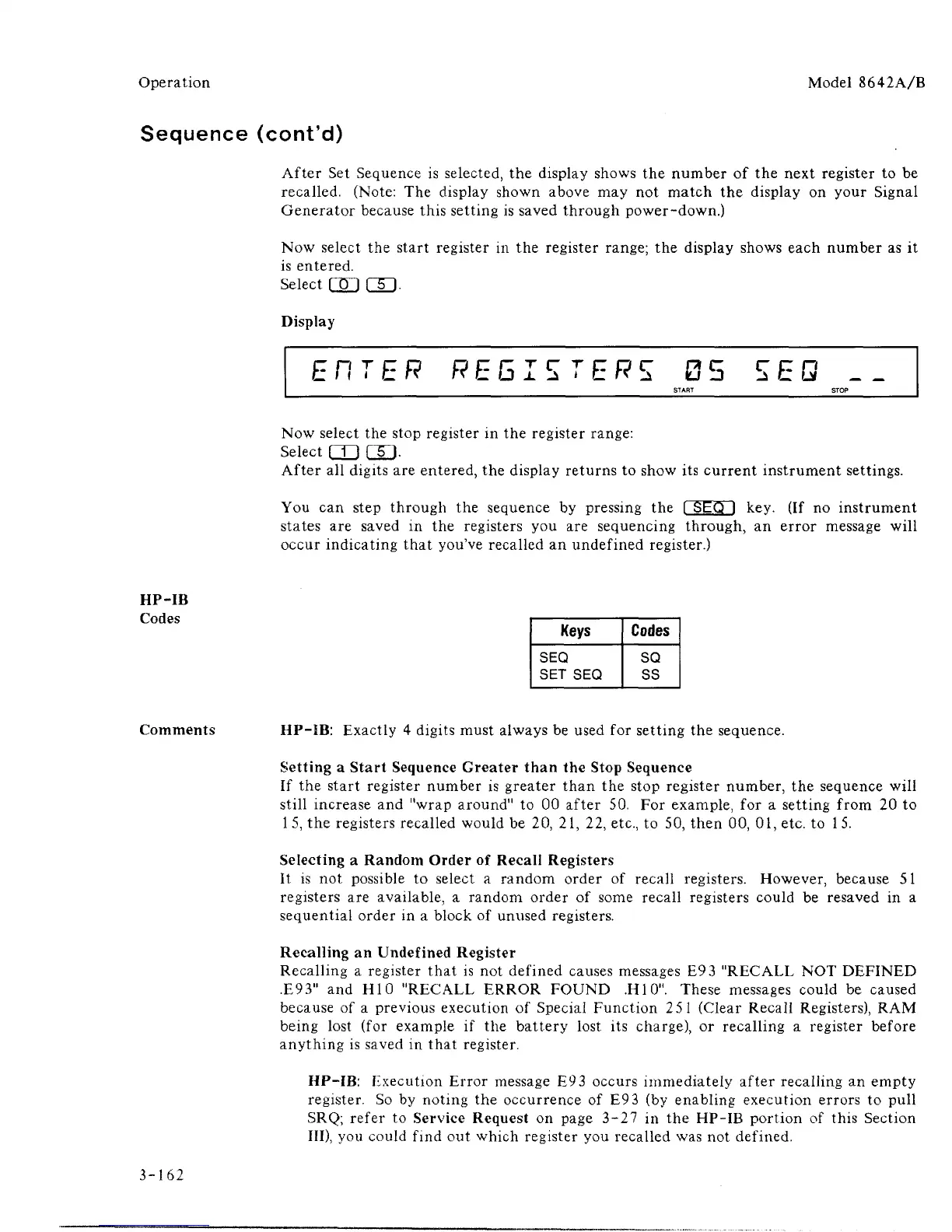
Now select the start register in the register range; the display shows each number as it
is entered.
select cgj rsi.
Display
EHTER REGISTERS 05 5EQ __
START STOP
Now select the stop register in the register range:
Select QJ GD-
After all digits are entered, the display returns to show its current instrument settings.
You can step through the sequence by pressing the
1
SEQ I key. (If no instrument
states are saved in the registers you are sequencing through, an error message will
occur indicating that you've recalled an undefined register.)
HP-IB
Keys
SEQ
SET SEQ
Codes
SQ
SS
Comments HP-IB: Exactly 4 digits must always be used for setting the sequence.
Setting a Start Sequence Greater than the Stop Sequence
If the start register number is greater than the stop register number, the sequence will
still increase and "wrap around" to 00 after 50. For example, for a setting from 20 to
1 5, the registers recalled would be 20, 21, 22, etc., to 50, then 00, 01, etc. to
1
5.
Selecting a Random Order of Recall Registers
It is not possible to select a random order of recall registers. However, because 51
registers are available, a random order of some recall registers could be resaved in a
sequential order in a block of unused registers.
Recalling an Undefined Register
Recalling a register that is not defined causes messages E93 "RECALL NOT DEFINED
.E93"
and H10 "RECALL ERROR FOUND .H10". These messages could be caused
because of a previous execution of Special Function 251 (Clear Recall Registers), RAM
being lost (for example if the battery lost its charge), or recalling a register before
anything is saved in that register.
HP-IB: Execution Error message E9
3
occurs immediately after recalling an empty
register. So by noting the occurrence of E93 (by enabling execution errors to pull
SRQ;
refer to Service Request on page 3-27 in the HP-IB portion of this Section
III),
you could find out which register you recalled was not defined.
3-162



 To Next Page