Model 8642A/B
Operation
SPECIAL FUNCTIONS
Description Special functions enable the Signal Generator's uses to be extended beyond the
functions normally available from dedicated front-panel keys.
Some of the more frequently used special functions have an abbreviation printed on
the front-panel, in light gray print, above the appropriate Data keys (not to be
confused with the HP-IB codes also in light gray print next to most keys).
In this instruction, the special functions are listed in both functional order (page
3-170) and in numeric order (page 3-171). The listing in numeric order provides a
brief explanation of each special function. Also, if appropriate, we refer you to a
Detailed Operating Instruction which discusses that special function in more detail.
The Help function enables you to view, on the front panel, the code and description of
each special function.
Procedures Note: Put the instrument in its initialized state by selecting ( INSTR PRESET ).
To turn on any of the special functions, use SPCL ( [ SHIFT ) p-
7
"") ), followed by the
rode number of the special function. To list any currently activated special functions,
select SPCL ( (""SHIFT") [ - ) ) alone. To display the number and description of any
special function, use HELP (rSHIFT ) ( t I ) and one of the methods described below.
HELP
How to List the Descriptions of Special Functions on the Signal Generator's Display
HELP ( fSFITFTl QJ ) followed by one of the following methods:
• Rotating the Knob.
• Pressing one of the Step keys ( [ t ] or [ + I ).
• Keying in the numeric code of the special function you want described. Special
function codes can be keyed in, one right after the other, with no need for re-selecting
the Help function. (The SPCL annunciator will not be displayed under the special
function description because special functions are being described, not selected.)
The Help function can be turned off either by selecting HELP OFF ( { SHIFT") QJ )
(HP-IB code: HO) or by selecting other signal Generatoi functions.
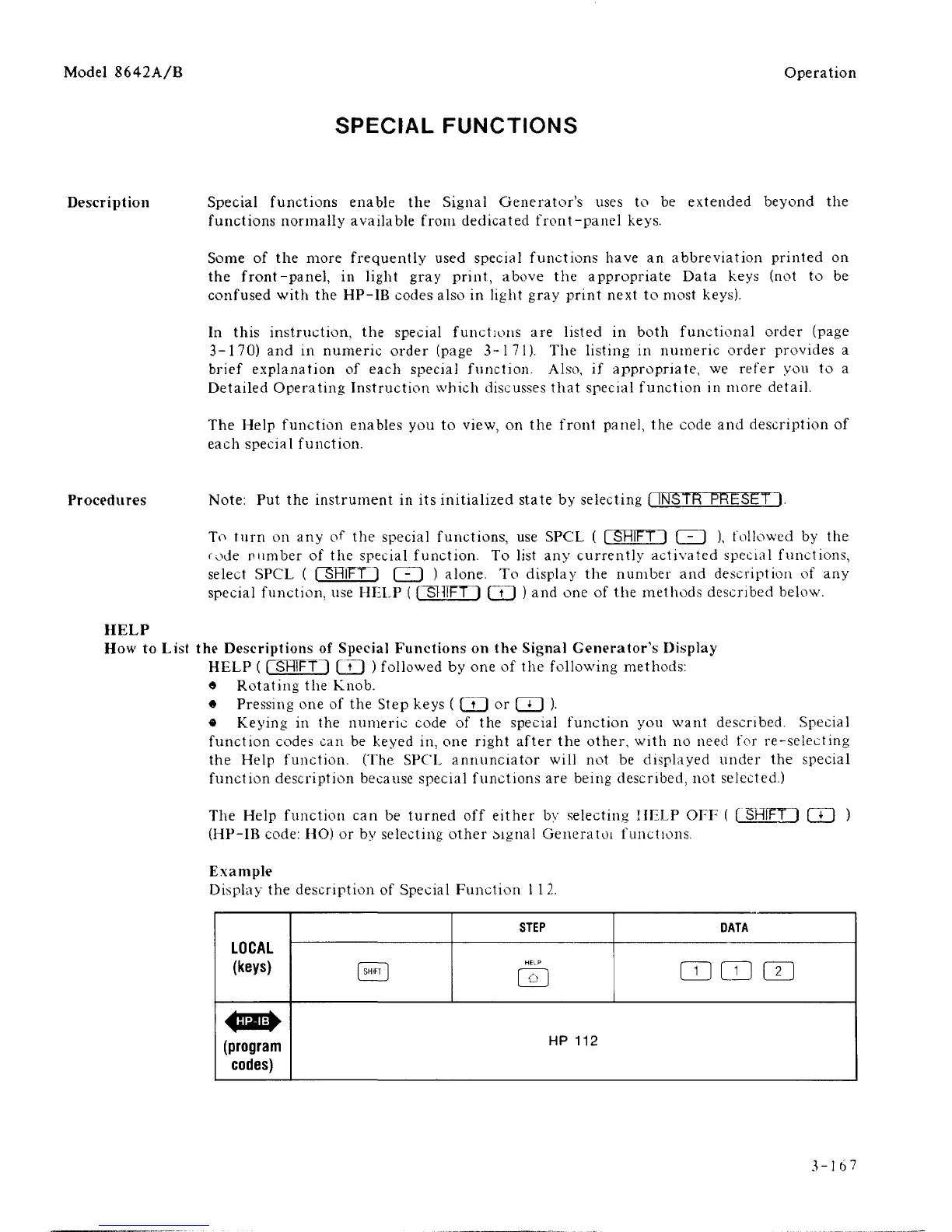
Example
Display the description of Special Function
1
1
2.
LOCAL
(keys)
(program
codes)
1 SHIFT
1
STEP
HELP
DATA
mm im
HP
112
3-167



 To Next Page