Performance Tests
Model 8642A/B
PERFORMANCE TESTS
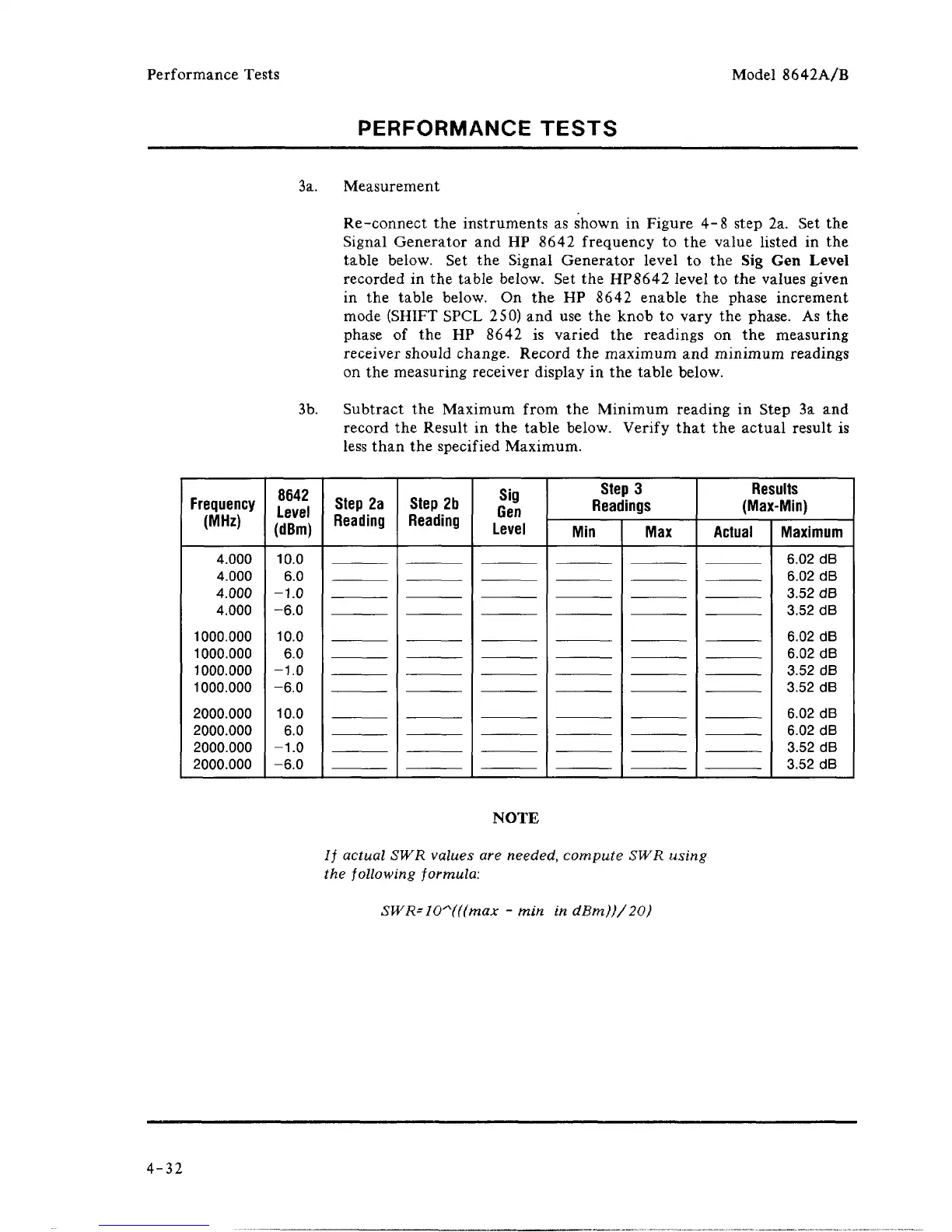
3a. Measurement
Re-connect the instruments as shown in Figure 4-8 step 2a. Set the
Signal Generator and HP 8642 frequency to the value listed in the
table below. Set the Signal Generator level to the Sig Gen Level
recorded in the table below. Set the HP8642 level to the values given
in the table below. On the HP 8642 enable the phase increment
mode (SHIFT SPCL 250) and use the knob to vary the phase. As the
phase of the HP 8642 is varied the readings on the measuring
receiver should change. Record the maximum and minimum readings
on the measuring receiver display in the table below.
3b.
Subtract the Maximum from the Minimum reading in Step 3a and
record the Result in the table below. Verify that the actual result is
less than the specified Maximum.
Frequency
(MHz)
4.000
4.000
4.000
4.000
1000.000
1000.000
1000.000
1000.000
2000.000
2000.000
2000.000
2000.000
HI
10.0
6.0
-1.0
-6.0
10.0
6.0
-1.0
-6.0
10.0
6.0
-1.0
-6.0
Step 2a
Reading
Step 2b
Reading
Sig
Gen
Level
Step 3
Readings
Min Max
Results
(Max-Min)
Actual
Maximum
6.02 dB
6.02 dB
3.52 dB
3.52 dB
6.02 dB
6.02 dB
3.52 dB
3.52 dB
6.02 dB
6.02 dB
3.52 dB
3.52 dB
NOTE
// actual SWR values are
needed,
compute SWR using
the following formula:
SWR=10~(((max - min in dBm))/20)
4-32



 To Next Page