6 Setup
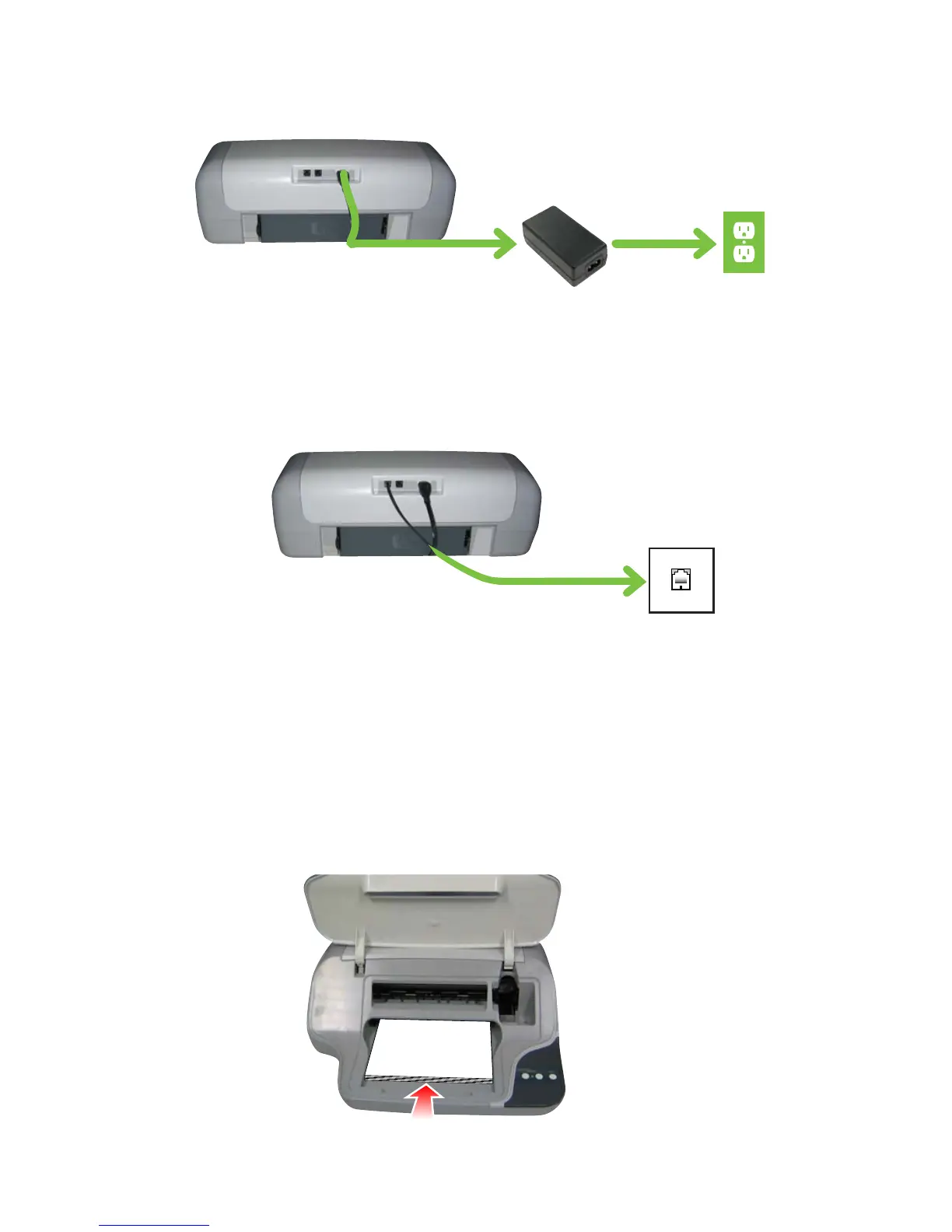
3 Connect power cords
4 Connect phone cord
(If you need to connect a phone or answering machine to the same
telephone wall jack, see “Connecting a Phone” on page 14.)
5 Load paper
Open the pack of sample paper and place the stack in the printer.
Slide it forward until it stops.
All the lights should blink once, then the Ink light blinks continuously.



 To Next Page