a
8 Setup
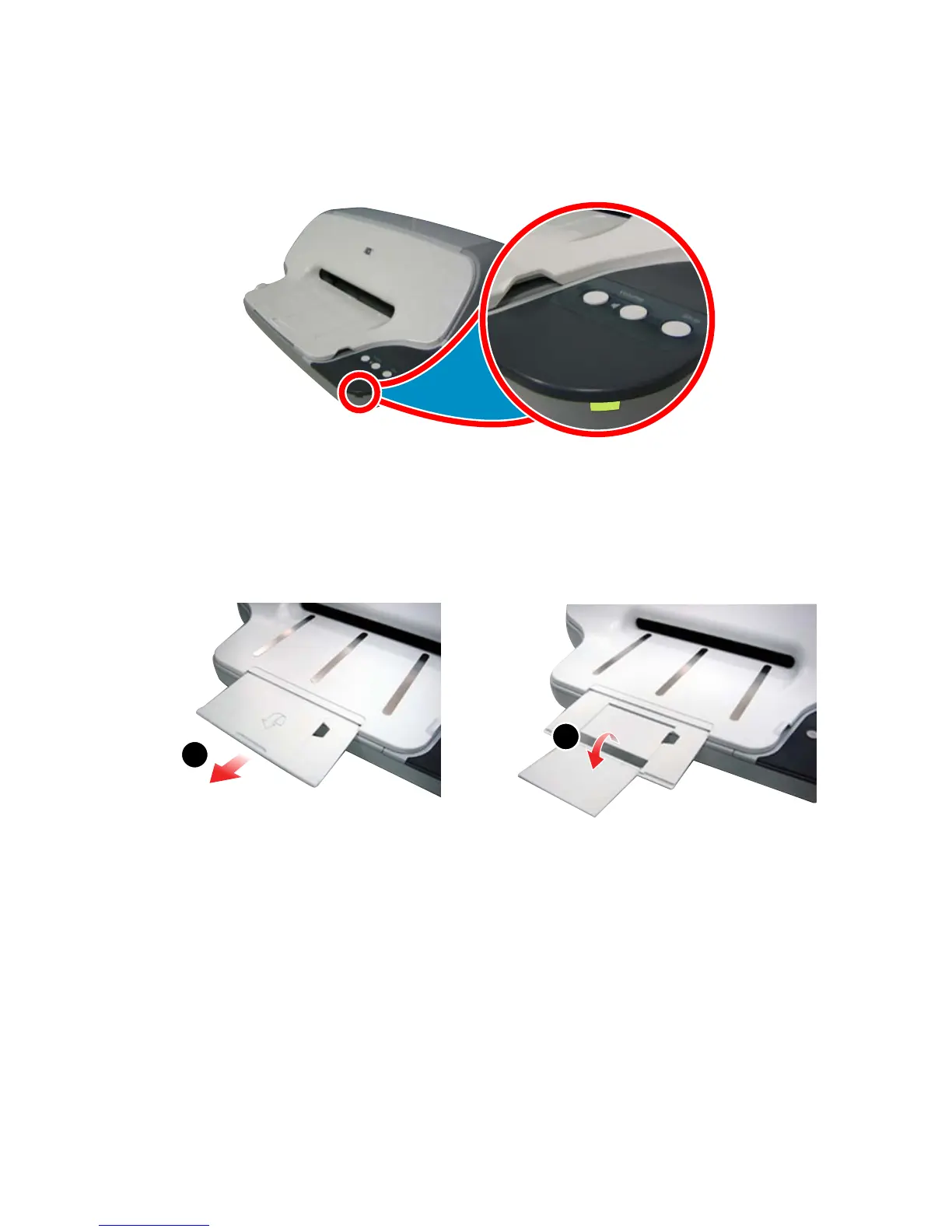
8 Close cover
The Ready light should be on.
9 Pull out paper tray extender
Pull out and flip open the paper tray extender.
10 Get messages
Now that setup is complete, your new HP A10 Printing Mailbox
will connect to the Presto service.
To receive personal emails, photos, and newsletters, you must
activate your service with Presto. If you have not done so already,
activate your service at www.presto.com or call us toll free at
877-730-4300.
b



 To Next Page