https://support.hp.com/us-en/product/hp-compaq-dc7700-small-form-factor-pc/3232029/document/c00862331#AbT11 1/29
PRODUCT HOME
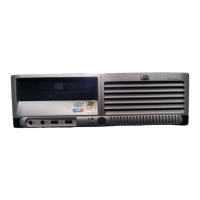
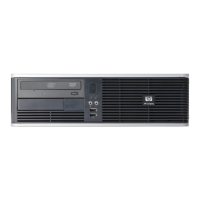
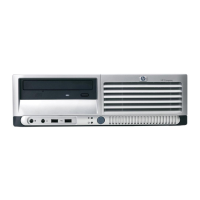
HP Compaq dc7700 Business PC - Removal and Replacement Procedures
-- Small Form Factor (SFF) Chassis
Security Clip
Installing a Cable Lock
Installing a Padlock
Cable Connections
DDR2-SDRAM DIMMs
Populating DIMM Sockets
Replacing Memory
Drive Positions
Optical Drive
External 3.5-inch Drive
Primary Hard Drive
Type 1 Battery Holder
Type 2 Battery Holder
Type 3 Battery Holder
Adherence to the procedures and precautions described in this chapter is essential for proper service. After completing all necessary removal and
replacement procedures, run the Diagnostics utility to verify that all components operate properly.
NOTE: Not all features listed in this guide are available on all computers.
1. Remove/disengage any security devices that prohibit opening the computer (Unlocking the Smart Cover Lock and External Security Devices).
2. Close any open software applications.
3. Exit the operating system.
4. Remove any diskette, compact disc. or media card from the computer.
5. Turn off the computer and any peripheral devices that are connected to it.
CAUTION: Turn off the computer before disconnecting any cables. Regardless of the power-on state, voltage is always present
on the system board as long as the system is plugged into an active AC outlet. In some systems the cooling fan is on even when the
computer is in the “Standby,” or “Suspend” modes. The power cord should always be disconnected before servicing a unit.
HP Customer Support - Knowledge Base
Support Home Products Software and Drivers Diagnostic Tools Contact Support Business Support
Preparation for Disassembly

 Need help?


 To Next Page
 General