TouchPad
Item Component Description
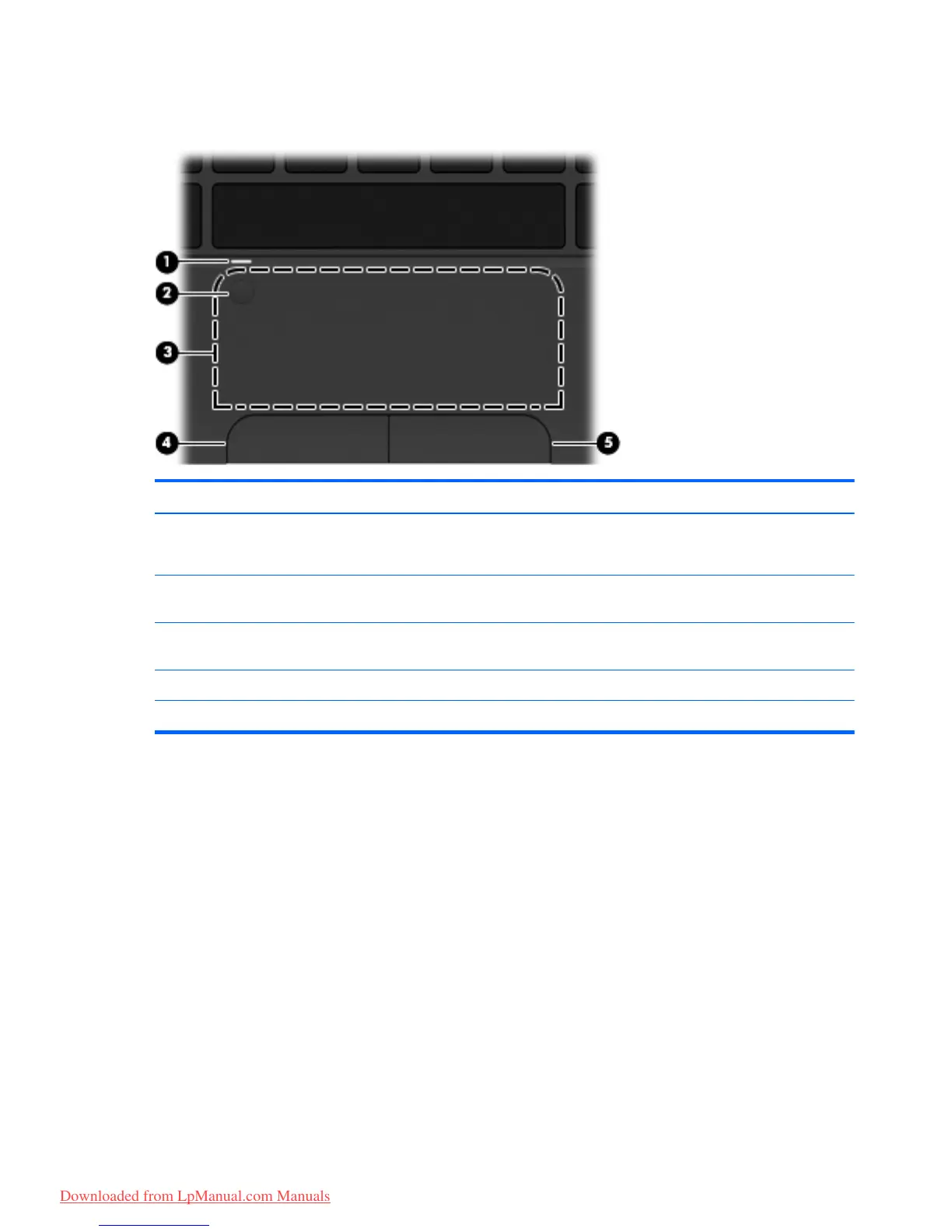
(1) TouchPad light
●
On: The TouchPad is on.
●
Amber: The TouchPad is off.
(2) TouchPad on/off button Quickly double-tap the TouchPad on/off button to turn the
TouchPad off and on.
(3) TouchPad zone Moves the pointer and selects or activates items on
the screen.
(4) Left TouchPad button Functions like the left button on an external mouse.
(5) Right TouchPad button Functions like the right button on an external mouse.
10 Chapter 2 External component identification
Downloaded from LpManual.com Manuals


 To Next Page
 Loading...