1
HP D2835A, HP D2835S, HP D2836A
17-inch Color Displays
15.7-inch Viewable Image
User’s Guide
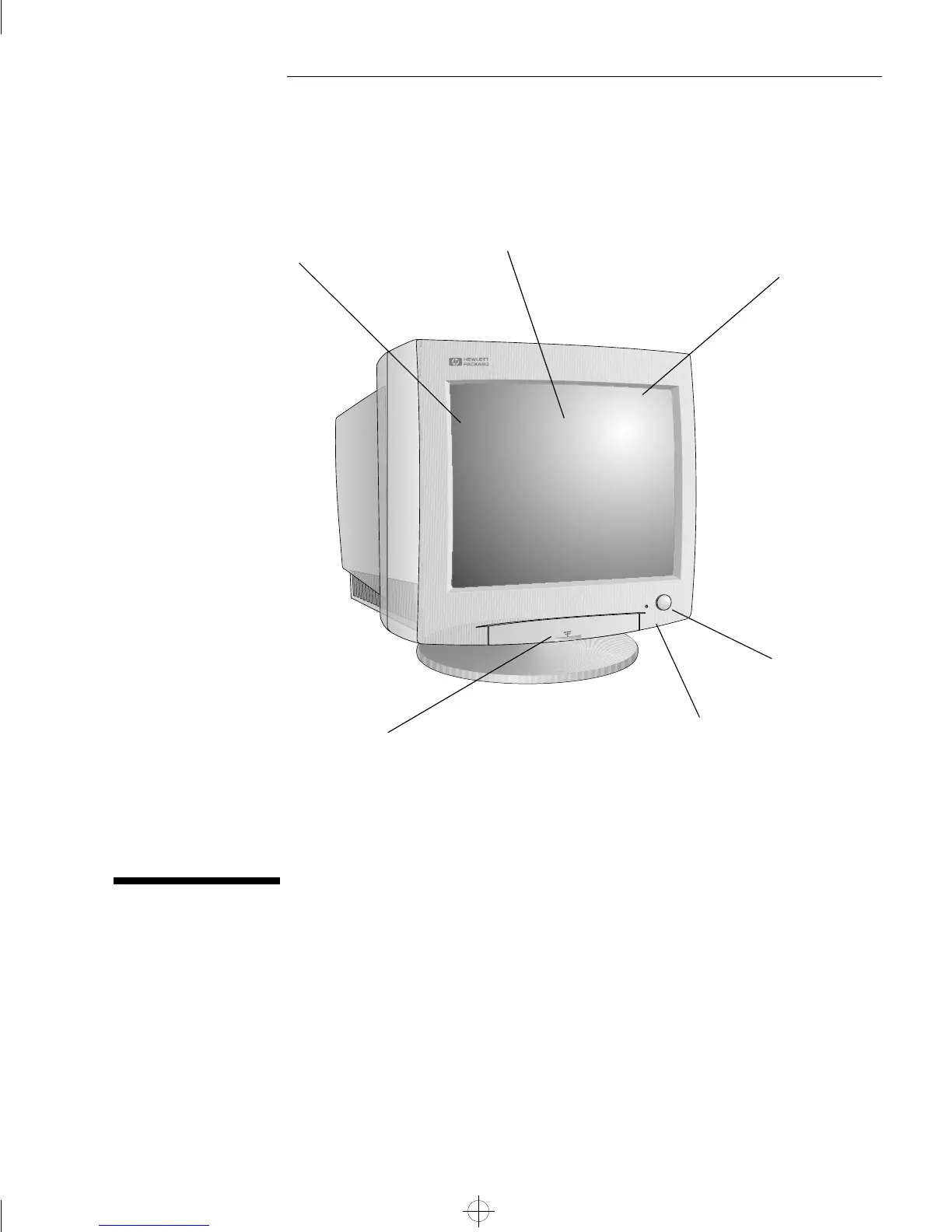
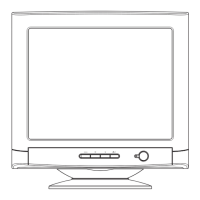
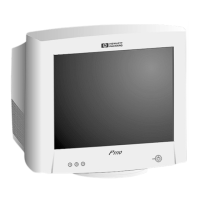
On/Off switch
Full scan screen that gives
an edge to edge image
0.28 mm dot pitch for
excellent graphics
Anti-glare, anti-static,
multilayer screen coating
Status indicator
Drop-down control panel used
for image adjustment
moorea.bk : moor-us.fb4 Page 1 Monday, May 5, 1997 5:05 PM


 To Next Page