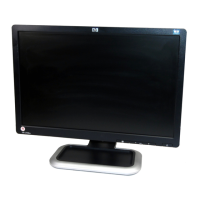
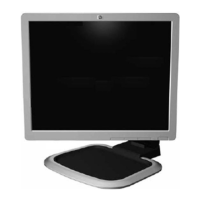
HP 18.1” LCD Color Monitor User’s Guide
Securing Your Monitor
4 English
Securing Your Monitor
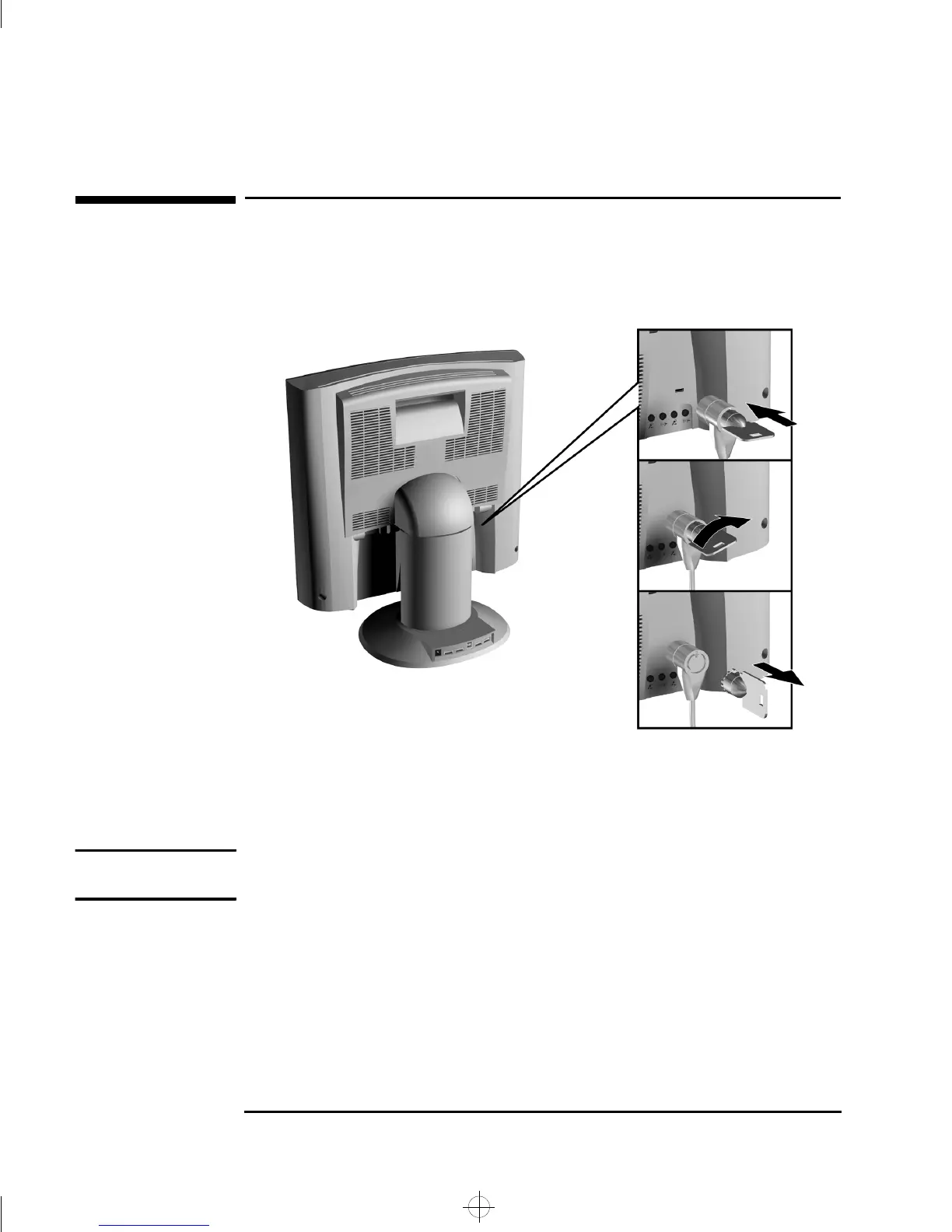
The monitor can be secured to your desk, or any other fixed object, using a
Kensington lock security cable. The cable can be attached to a slot located on
the rear of the monitor.
1 Insert the lock in the slot located on the rear of the monitor.
2 Turn the key to lock the cable to the monitor.
3 Remove the key and store it in a safe place.
NOTE The Kesington lock is not an HP accessory. It cannot be ordered from HP.
Contact your reseller for more information.
ladoga.bk : ladga-us.fb4 Page 4 Wednesday, June 30, 1999 2:04 PM


 To Next Page