11
ENGLISH
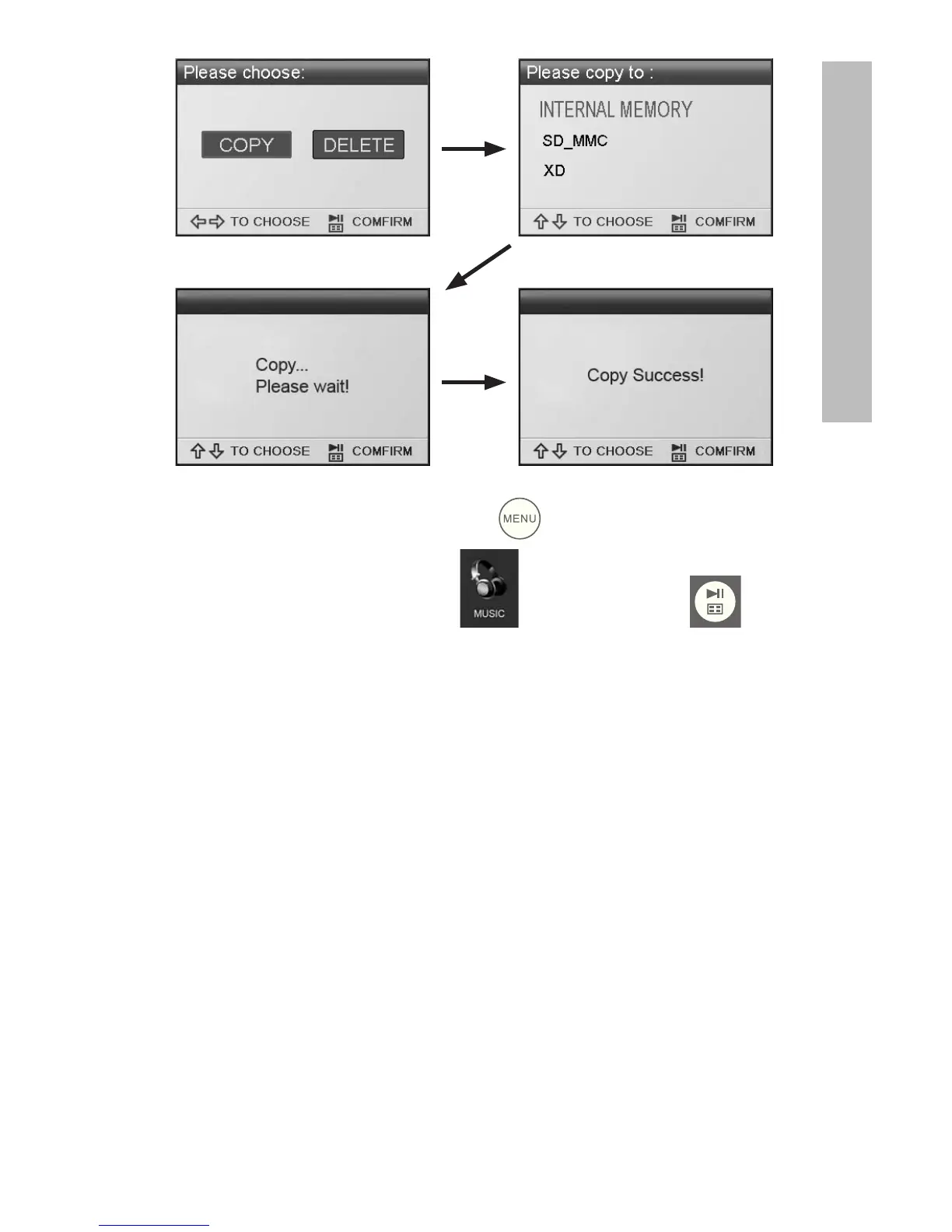
To copy audio files, press the button. Use the arrow
buttons to navigate to the icon and press the
button. Select the desired audio file and repeat the copy
process as previously illustrated.
If desired, content can be copied onto external memory devices
from the internal memory. Select the internal memory source
and repeat the copy process but select the desired external
memory device as the memory destination location.



 To Next Page
 Loading...








