11
7. Menu Setting
After starting up the camera, at the standby preview mode, press
MENU/CONFIRM button to enter Menu setting. Use “up” and “down”
button to select the option, and press “CONFIRM” button to confirm.
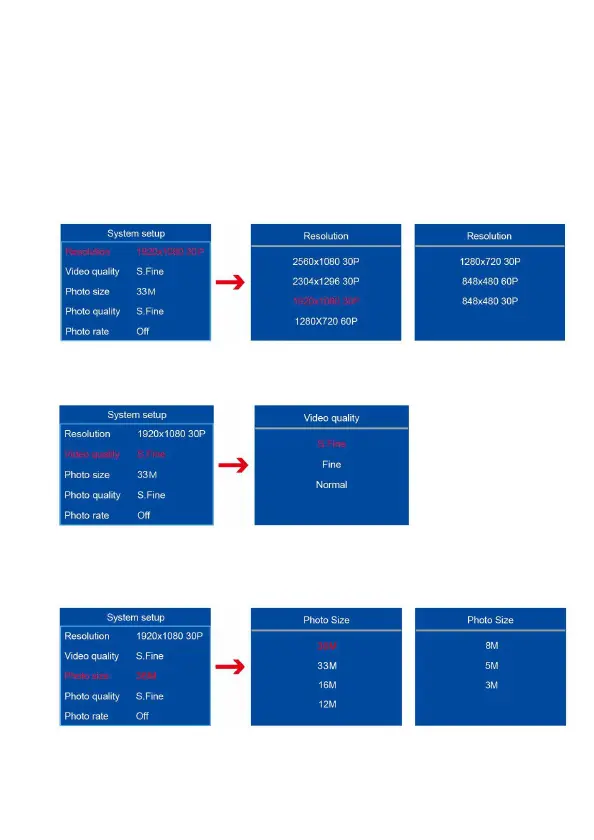
7.1 Video Resolution
Video resolution has “2560*1080P 30P, 2304*1296 30P, 1920*1080 30P,
1280*720 30/60P, 848*480 30P” 5 options. Default is (1920*1080)/30P.
7.2 Video quality
The video quality has “S.Fine, Fine, Normal” 3 options. Default is S.fine.
7.3 Photo size
The photo size has “36M, 33M, 16M, 12M, 8M, 5M, 3M” 7 options. Default
is 36M.



 To Next Page