19
8.1 Software Installation
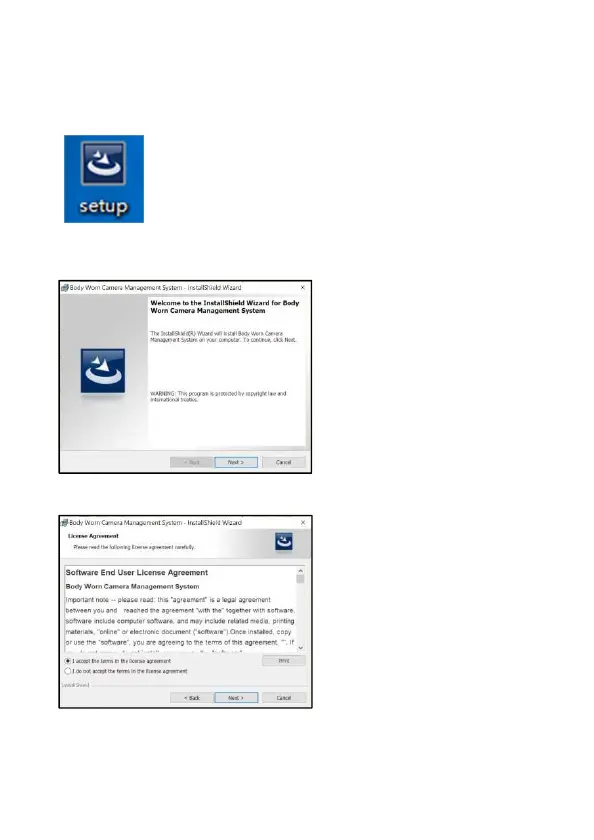
1. Put CD into CD-ROM. Double click “My Computer” to open CD and find
the installation file as below,
2. Double click the installation file. Follow the guide to start the
installation.
3. Read the agreement and click “Accept”, then click “Next”,



 To Next Page