1.
Opens, selects or exits the OSD menu.
4.
Selects video input, DVI-I#1 or DVI-I#2.
2.
Navigates backward through the OSD menu and
decreases adjustment levels. When the OSD menu is
inactive, activates the auto-adjustment feature to optimize
the screen image.
5.
Turns the monitor on or off.
3.
Navigates forward through the OSD menu and increases
adjustment levels.
Models
Workstation Volume Channel
EF227A4-#xxx
Workstation Value Channel
EF227A5-#xxx
QuickSpecs
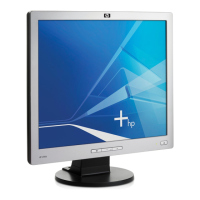
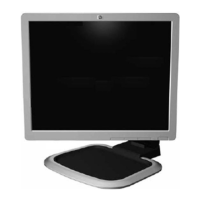
HP LP2065 Flat Panel Monitor
Overview - HP LP2065 Flat Panel Monitor
DA - 12377 Worldwide QuickSpecs — Version 6 — 5-23-2007
Page 1

 Need help?

 To Next Page
 General