Troubleshooting 7-5
Trouble-
shooting
7
II. Verify the 170X hardware works properly
■
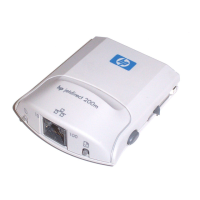
Attach the printer to the 170X and attach the 170X to the LAN
(see chapter 3 for more detailed instructions).
■
Press the 170X Test button to print a configuration page.
■
If a configuration page is printed, the 170X is connected properly.
Review the page for status and error messages. If the
configuration page is not printed, see section III below.
III. Verify that you can print to the printer
when it’s attached directly to a PC
■
Attach the printer to a PC locally using a parallel cable that you
know works properly.
■
Print a file to the printer attached directly to your PC.
■
If the file still does not print, you may have a printer driver or
parallel cable problem.
For Internet users, access HP’s website for troubleshooting
Jetdirect print servers: www.hp.com/support/net_printing.
Select your product type and number and, when displayed, select
Support Documents. Then select Troubleshooting.
Also, see your printer documentation for a complete list of printer
messages and corrective actions, and for instructions for printing
a self-test page.
0Book-asF01.book Page 5 Tuesday, August 14, 2001 2:06 PM










 To Next Page