EN
Configuring for LPD Printing 61
Step 2. Setting Up Print Queues
You must set up a print queue for each printer or printer personality
(PCL or PostScript) you use on your system. Also, different queues
are required for formatted and unformatted files. The queue names
text
and
raw
in the following examples (see
rp
tag) have special
meanings.
The line printer daemon on the HP JetDirect print server treats
data in the
text
queue as unformatted text or ASCII, and adds a
carriage return to each line before sending it to the printer. (Note
that the actual observed behavior is that a PCL line termination
command (value of 2) is issued at the beginning of the job.) The line
printer daemon treats data in the
raw
queue as formatted files in
PCL, PostScript, or HP-GL/2 languages and sends the data without
change to the printer. Data in the
auto
queue will be automatically
processed as text or raw, as appropriate. If the queue name is not
one of the above, the HP JetDirect print server assumes it to be
raw1
.
Step 3. Printing a Test File
Print a test file using the LPD commands. For instructions, see the
information provided for your system.
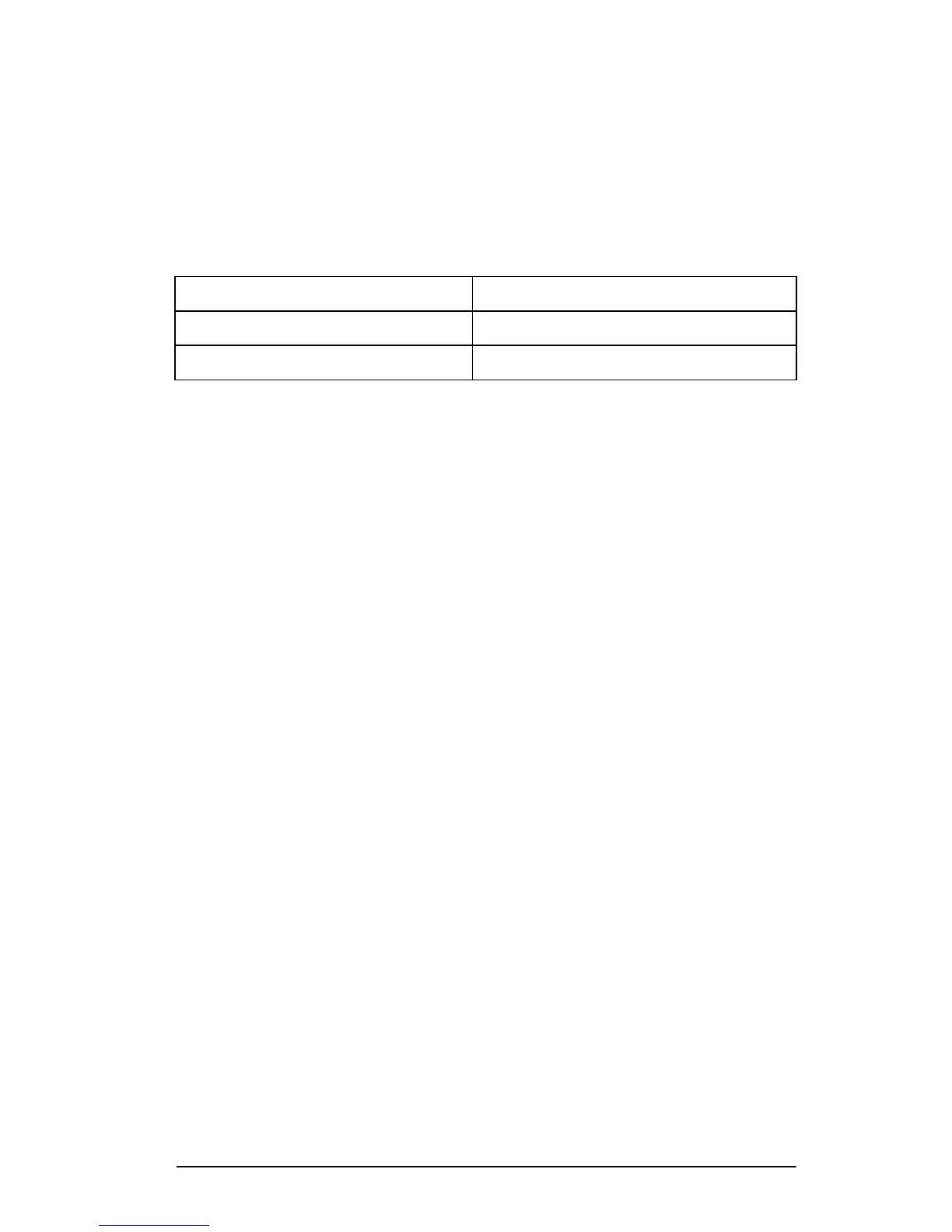
Table 4.2 Supported Queue Names
raw, raw1, raw2, raw3
no processing
text, text1, text2, text3
carriage return added
auto, auto1, auto2, auto3
automatic










 To Next Page