EN
1
1
Introducing the HP JetDirect
Print Server
Introduction
HP JetDirect print servers allow you to connect printers and other
devices directly to a network. By attaching directly to a network,
devices can be conveniently located near users. In addition, a
network connection allows data transfers to or from the device at
network speeds.
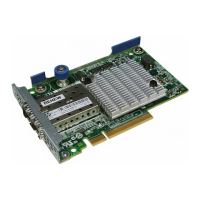
HP JetDirect
internal
print servers are installed in HP printers that
have a compatible input/output (I/O) slot. HP JetDirect
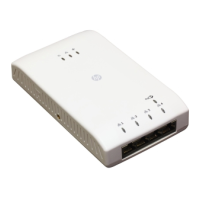
external
print servers connect printers to the network by adapting the
printer’s parallel port to a network port. Depending on the model,
HP JetDirect external print servers can connect up to three printers
to a network.
Note Unless otherwise specified, the term print server in
this manual refers to the HP JetDirect print servers
and not a separate computer running print server
software.










 To Next Page