8
Note If other messages appear, see the troubleshooting
sections in the HP JetDirect administrator’s guide
for this product provided on the HP JetDirect
CD-ROM.
For HP J3113A 10/100Base-TX cards, see Appendix
A in this manual for special configuration and
troubleshooting information.
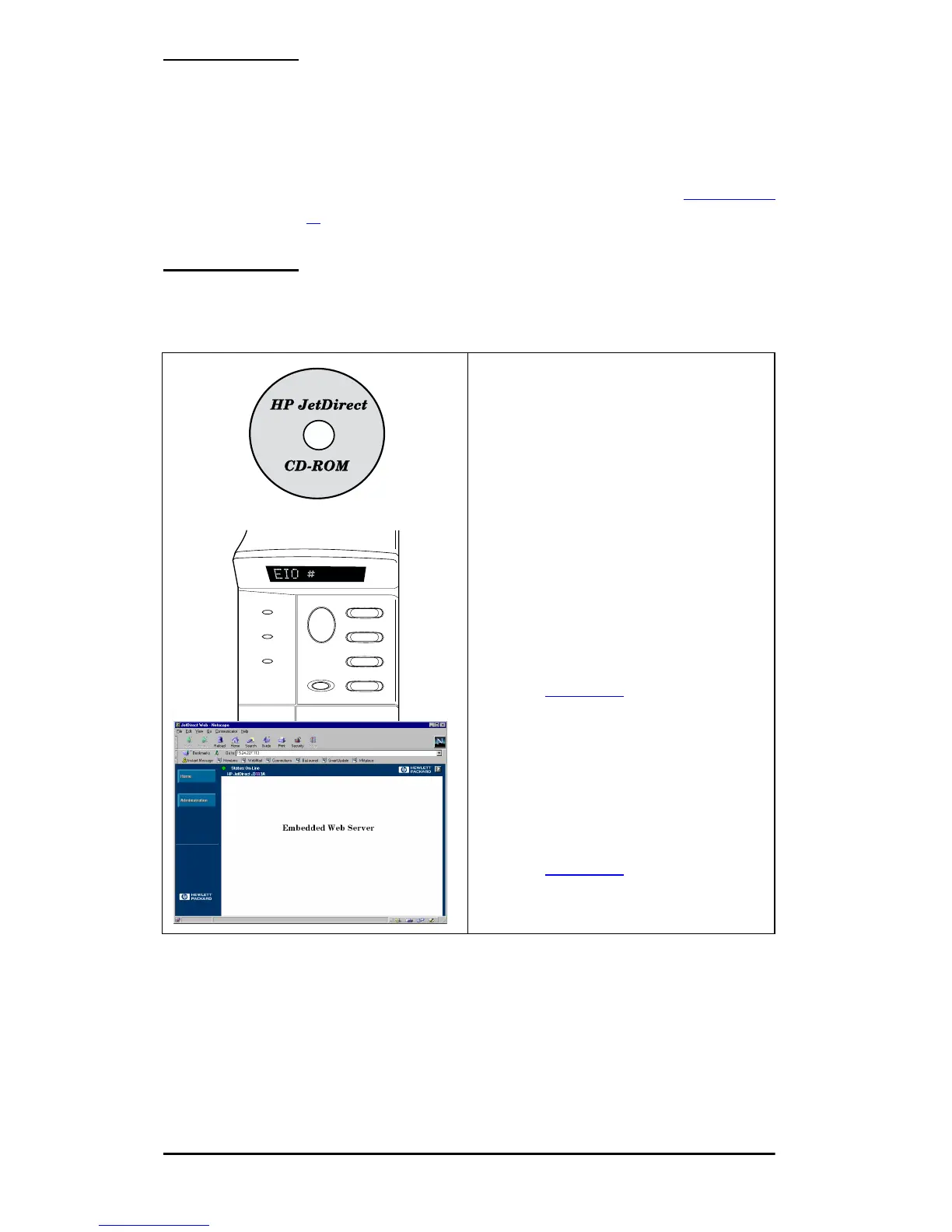
6. Configure the Card for Network Operation.
You can use the installation and
configuration software on the
HP JetDirect CD-ROM, or
download it from the World
Wide Web.
Refer to the HP JetDirect
administrator’s guide (supplied
electronically on the CD-ROM)
for this product.
For many HP printers, you can
use the printer’s control panel to
configure basic network
parameters.
Refer to Chapter 3
in this guide.
If the JetDirect card has been
configured with an IP address, you
can use a supported Web Browser
for advanced configuration.
Refer to Chapter 4
in this guide.



 To Next Page