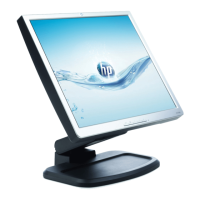
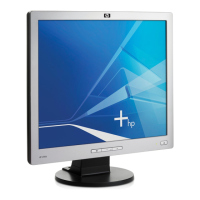
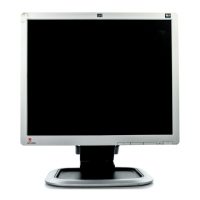
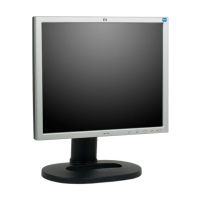
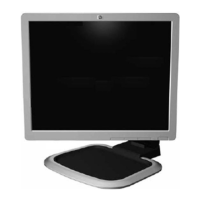
HP L1940T
50
3) Push Menu to exit OSD menu.
3. Click
(Write EDID) icon from the tool bar to write DDC data.Then the screen will be black for 5-10 seconds,
when the screen recovers ,DDC data will be finished Writing.
4. Confirm Serial Number in User Mode
1) Press the "Power " button to turn off the monitor. Press the button again to turn on the monitor.
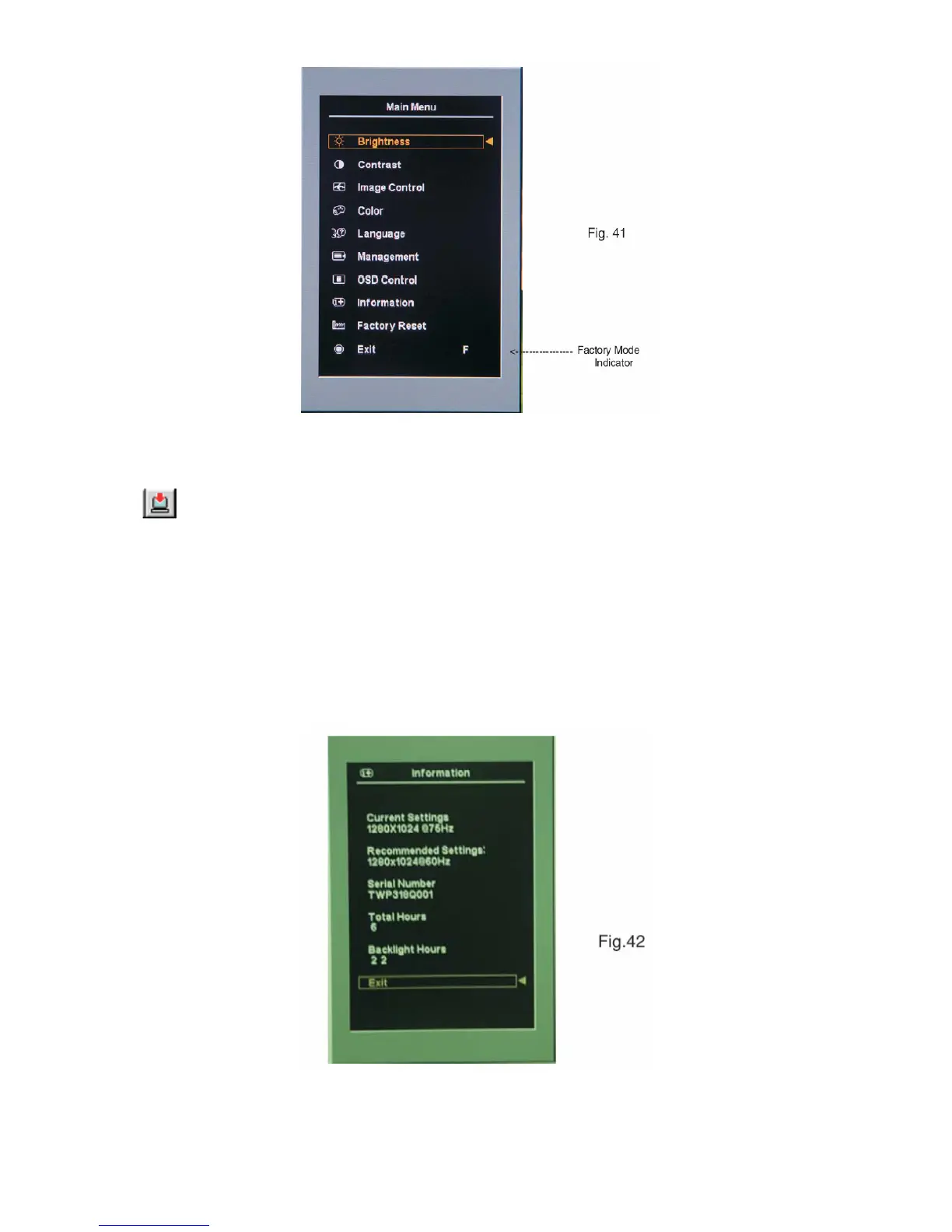
2) Press the" Menu " button to bring up the OSD main menu.
3) Press the " Minus "button to " INFORMATION", press the" Menu " button to confirm your selection.
4) Confirm the Serial Number "TWP318Q001" is updated as shown in Fig. 42.
Step 6: Save DDC data
Sometimes, you may need to save DDC data as a text file for using in other IC chip. To save DDC data, follow the steps
below:


 To Next Page
 Loading...