8
8
EN
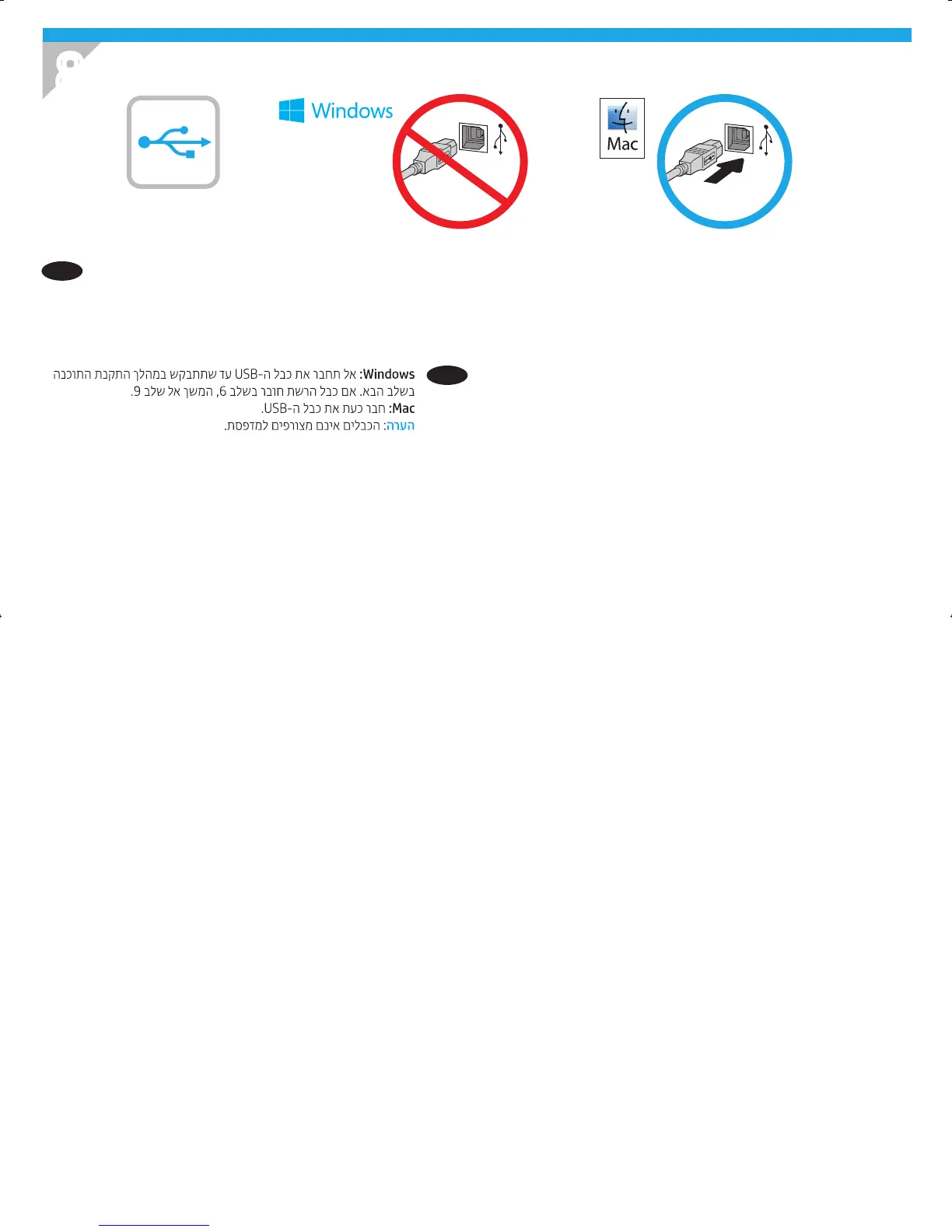
Windows: Do not connect the USB cable until prompted during
the software installation in the next step. If the network cable was
connected in step 6, proceed to step 9.
Mac: Connect the USB cable now.
NOTE: The cables are not included with the printer.
HE
Atom_HIG-2-7_K0Q14-90903.indd 8 10/13/2016 12:11:07 AM



 To Next Page