4 Troubleshooting
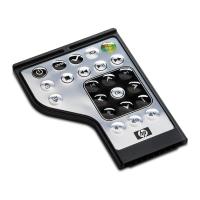
Try the following solutions if your remote control does not function properly:
●
Be sure that you have a clear line of sight from the remote control to the infrared port on the
computer or optional docking device.
●
Be sure that you are within range of the infrared port on the computer or optional docking device.
●
Be sure that the battery is properly installed and has a charge. Replace the battery if necessary.
●
Be sure that you are using the remote control with a supported computer or optional docking device.
9


 To Next Page