Need help?
Do you have a question about the HP OneShred 10MC and is the answer not in the manual?
Shredder for paper, credit cards, clips, staples; for private indoor use.
Read and observe all warnings to protect yourself and the environment from harm.
Covers electric shock, insertion mechanism, physical injury, child safety, and handling.
Risk of tripping from power cable; avoid flammable gases; avoid environmental influences.
Caution for injury risk through sharp edge of cutting mechanism.
Not for children; credit cards vertical; GS mark and Protection Class II explained.
Lists included items: shredder, manual, power cable, oiled sheet.
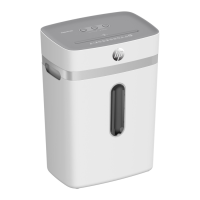
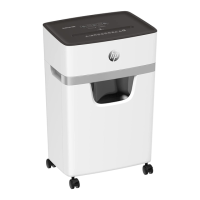
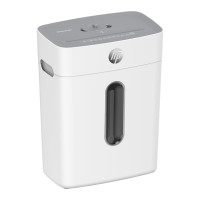
Identifies components like buttons, slot, mechanism, bin, grip, castors.
Set on stable surface near socket; connect power cable; slide in waste bin.
Switch on using On/Off button; status indicator lights blue.
Feed material automatically or use FWD button; observe cutting capacity.
Switch off using On/Off button; disconnect power for longer periods.
Shredder switches off on overheating or overload; follow reversal procedure.
Oil mechanism regularly for longevity using special oil or oiled sheets.
Check bin level, empty when 80% full; switch off and disconnect power.
Use REV button to clear blockages; remove residual material carefully.
Clean housing with soft, dry, lint-free cloth; avoid aerosols/solvents.
Details on models, dimensions, security levels, and cutting sizes.
Details on capacity, power, speed, volume, and shred type.
Dispose of appliance and packaging separately; follow local recycling regulations.
Store safely in original packaging, in a dry, clean, and cooled location.
Contact sales point for defects; find further info at www.hp.com/officeequipment.
CE/UKCA marks confirm conformity; details online; manufacturer details provided.
 General
| Brand | HP |
|---|---|
| Model | OneShred 10MC |
| Category | Paper Shredder |
| Language | English |


 To Next Page