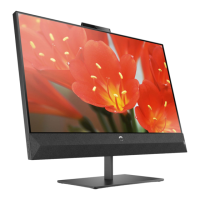
Operating the Monitor
User’s Guide 4–5
Adjusting Monitor Settings
Press the menu button on the front panel of your monitor to view
the On-Screen Display (OSD) Menu. The Main Controls window
pops up and you can make adjustments to your monitor’s various
features. Use the left arrow and right arrow keys in the menu
window to make your adjustments.



 To Next Page
 Loading...