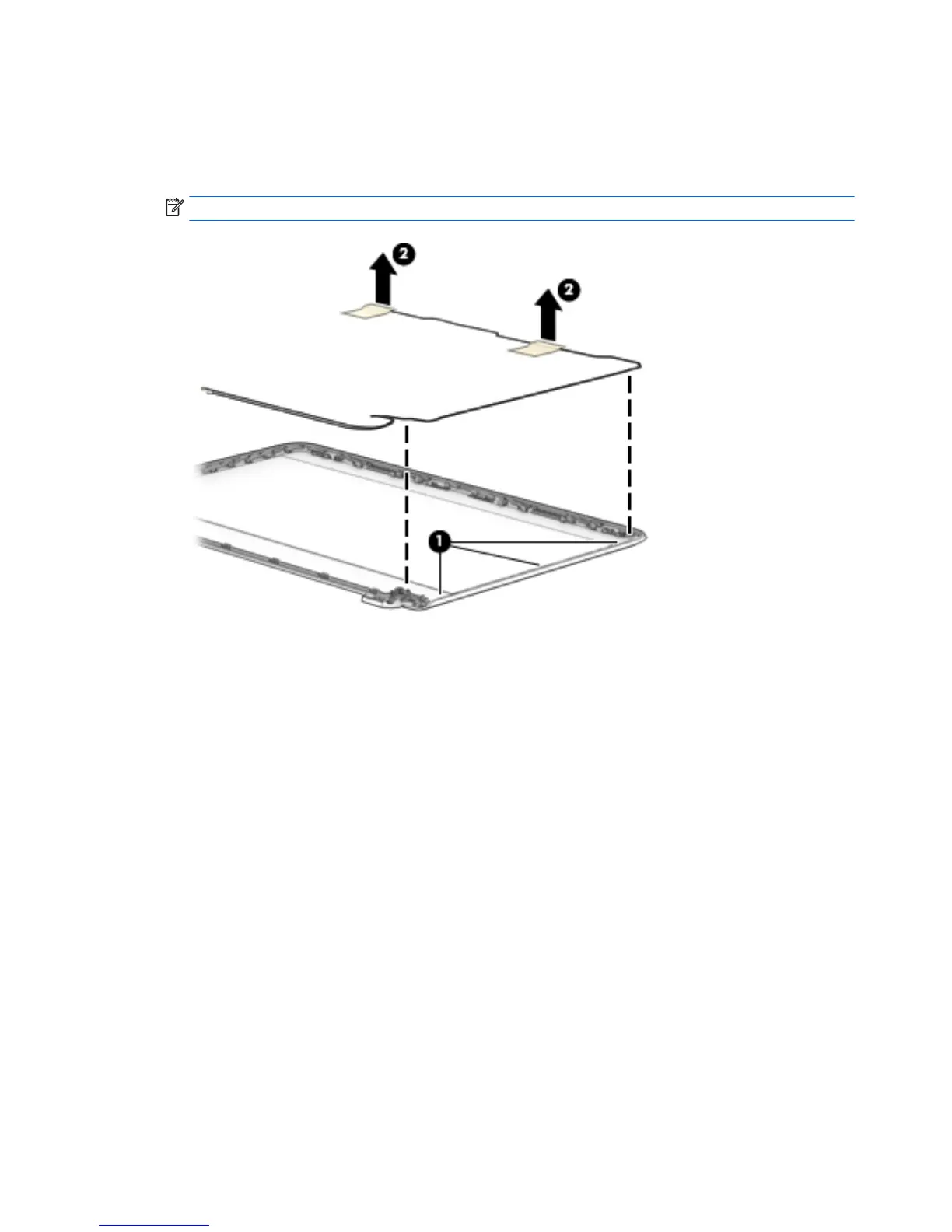
5. To remove the wireless antenna cables and transceivers, release the wireless antenna cables from the
clips (1) built into the display enclosure, peel the transceivers from the enclosure, and then remove the
antenna cables and transceivers (2).
Antennas for non-touch models are available using spare part number 809008-001.
NOTE: Number of antennas and transceivers may vary.
78 Chapter 6 Removal and replacement procedures for Authorized Service Provider parts

 To Next Page
 Loading...