1
Using a Wireless LAN Adapter
Your notebook model may include a wireless local area network (WLAN)
adapter. A WLAN adapter enables your notebook to connect to a compatible
wireless network access point or to another, compatible, wireless-enabled
notebook. A WLAN adapter cannot be used to connect the notebook to a mobile
telephone service, a Bluetooth wireless device, or a cordless telephone.
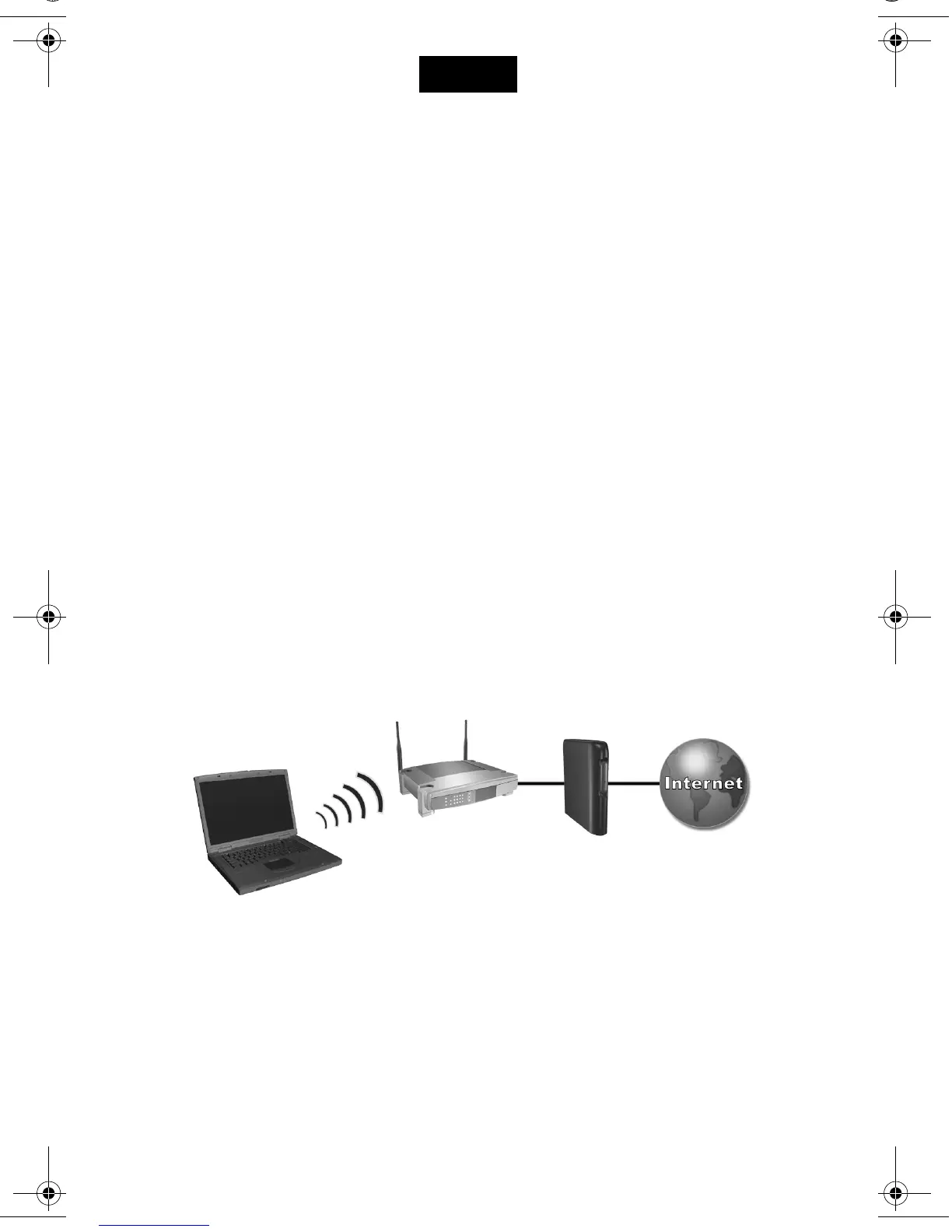
Setting up a wireless network requires:
■ A notebook equipped with a WLAN adapter —The WLAN adapter can
be integrated or a free-standing add-on, such as a PC Card.
■ A wireless access point—Wireless access point functionality can be
provided by a standalone device or be included with another networking
device, such as a router.
Accessing the Internet through a wireless network requires:
■ An Internet access device, such as a broadband cable or DSL
(digital subscriber line) modem or a shared analog modem connected
to a phone line.
■ Service from an ISP (Internet service provider).
Hardware requirements for an Internet connection include a WLAN adapter
in the notebook, a wireless access point, and a modem.
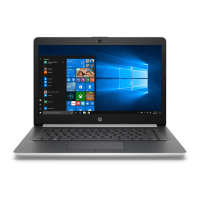
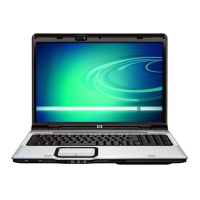
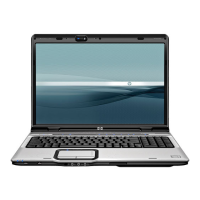
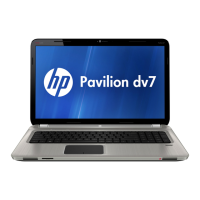
(Notebook appearance varies by model.)
English
348246-021.book Page 1 Tuesday, August 19, 2003 5:29 PM



 To Next Page
 Loading...