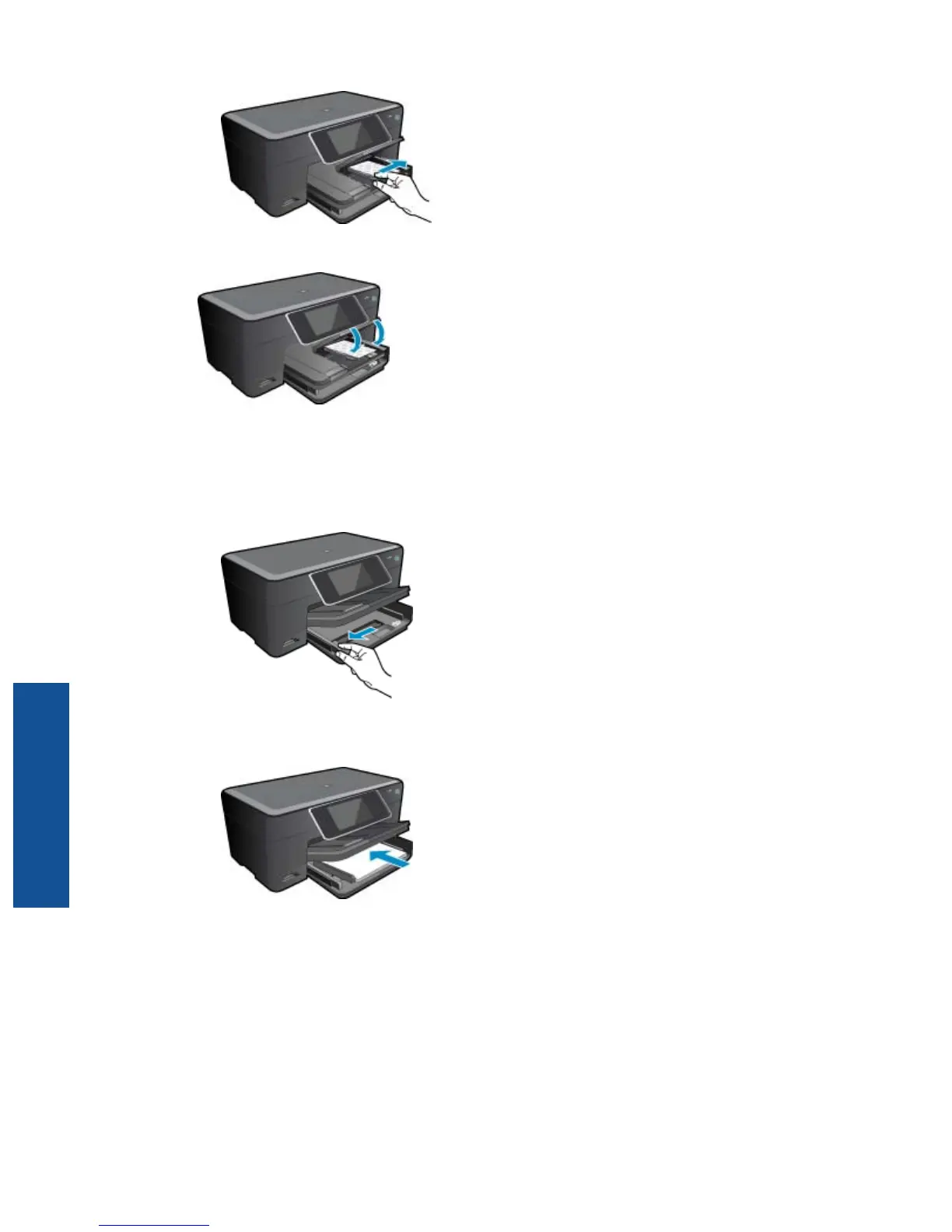
c. Lower photo tray lid.
Load A4 or 8.5 x 11 inch paper
a. Raise the photo tray.
Slide paper-width guide outwards.
Remove all paper from the main input tray.
b. Load paper.
Insert stack of paper into main input tray with short edge forward and print side down.
Slide stack of paper forward until it stops.
Slide paper-width guide inward until it stops at edge of paper.
Chapter 4
12 Print
Print



 To Next Page