6
Other scanning functions
You can use the scanner to do the following tasks:
● Make copies
● Scan to a destination
● Save a document or image to a drive or CD
● Send a scan to an e-mail program
Make copies
Use the Copy button ( ) to scan an original and send it to a printer.
The front panel Copy button is optimized to scan and print a duplicate of what is on the
scanner glass.
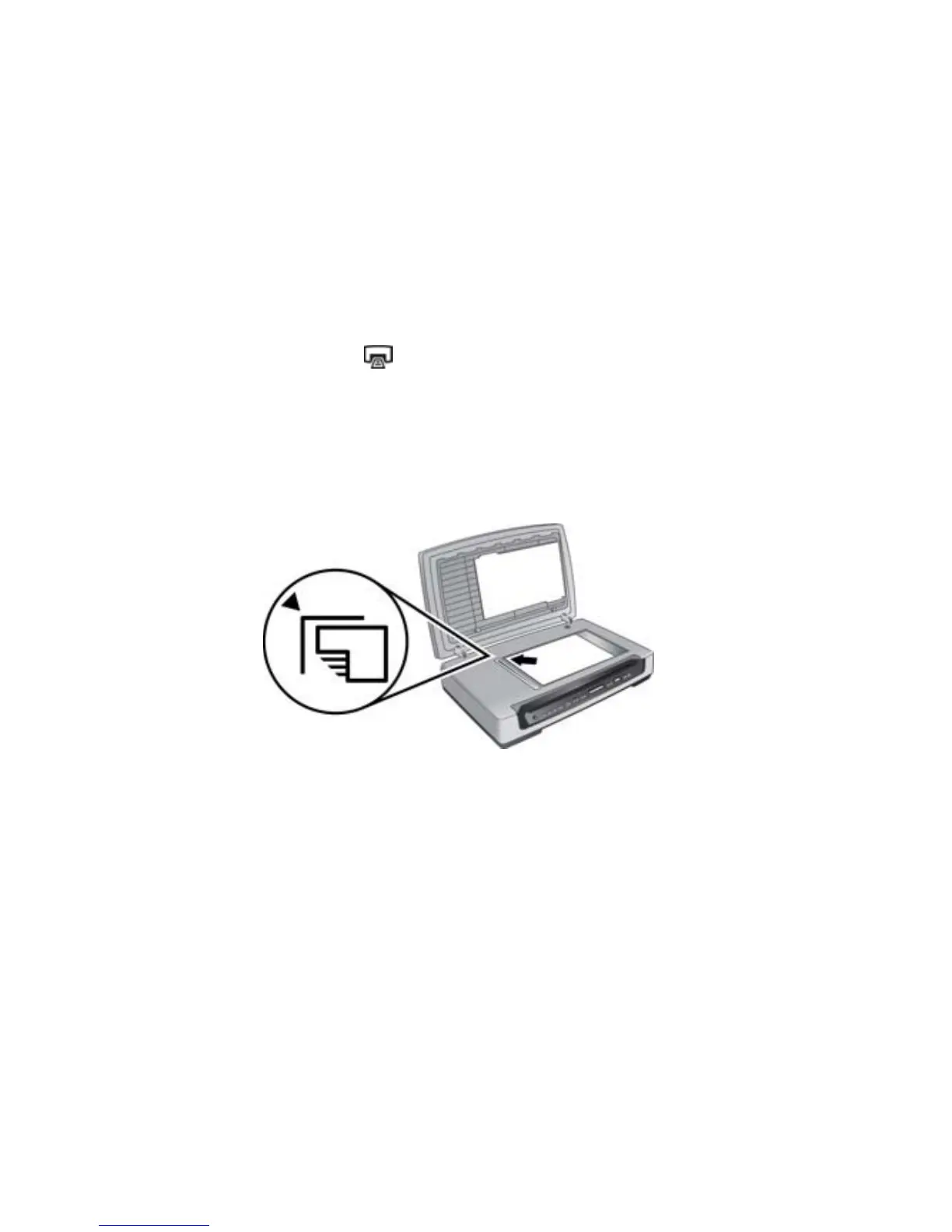
1. Do one of the following:
– Place the original face down on the scanner glass, as indicated by the reference
mark.
– Load the originals in the automatic document feeder (ADF). For more
information, see Load originals in the ADF.
36 HP Scanjet 8300 series



 To Next Page