How to print selective gloss
Sselective gloss is a special application that shows both gloss and matte effects in the same print.
This section describes a method that can extend the profitability and versatility of your printer. Its
application is at your own risk.
Only operators technically experienced with the RIP and the printer are recommended to try it. If in doubt,
contact your local printer service provider.
1. You must create gloss and matte media profiles for the material that is going to be used. Depending on
the media absorption and print mode, the gloss result may vary. For this reason, it is your responsibility
to check print results in advance with different configurations (print mode and media).
During the creation of the matte and glossy profiles, it is important to uncheck the Detectable setting.
Creating a gloss media type requires closing the shutter of the trailing lamp. As the trailing lamp will be
off, there will be a delay between printing and curing (polymerization), which allows the drop of ink to
expand, and thus to create the glossy effect.
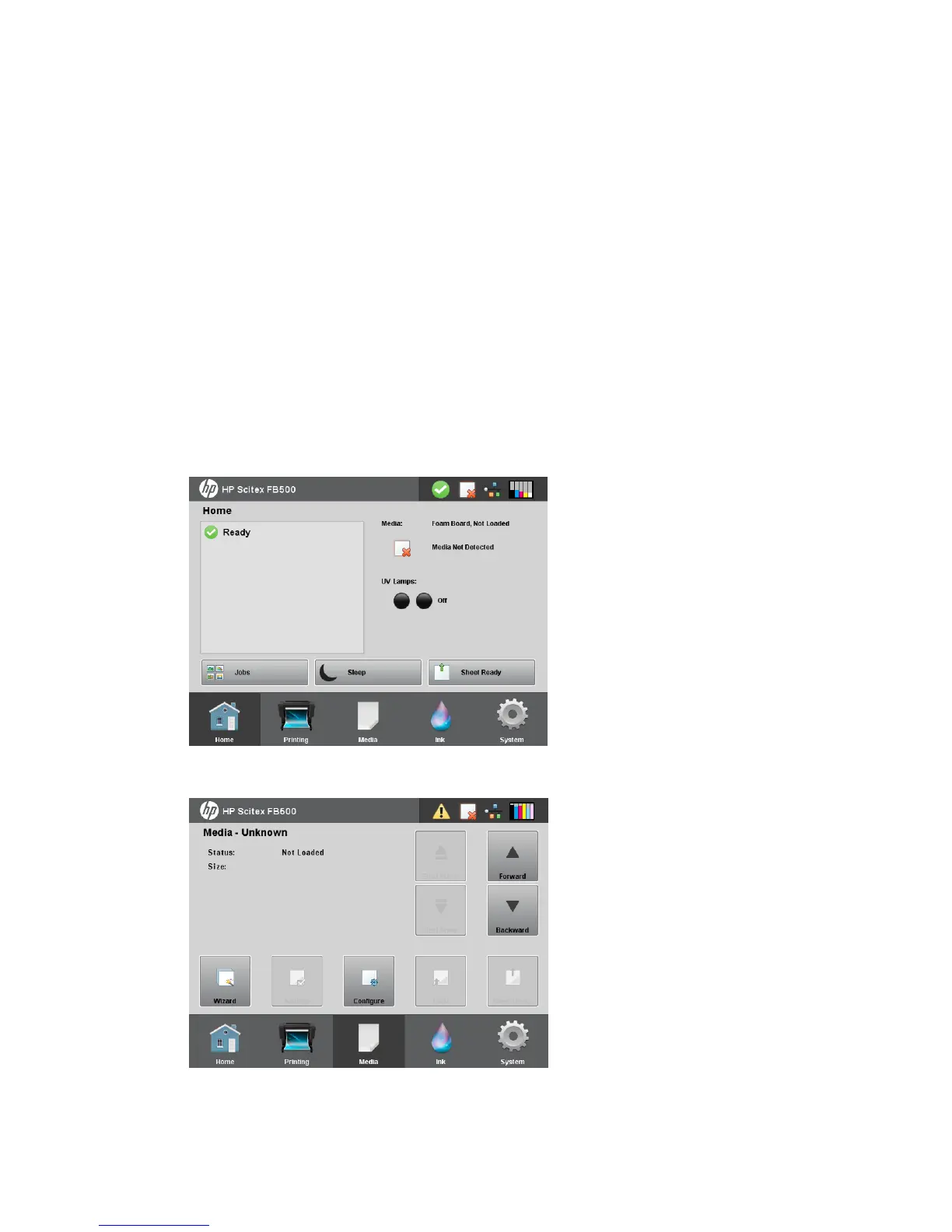
2. From the control panel’s Home screen, press the Media icon.
3. Press Configure.
60 Chapter 8 Specialty printing options ENWW



 To Next Page