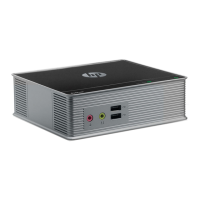
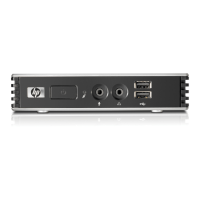
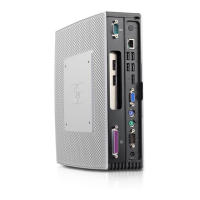
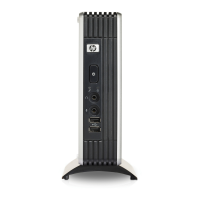
Connecting the device:
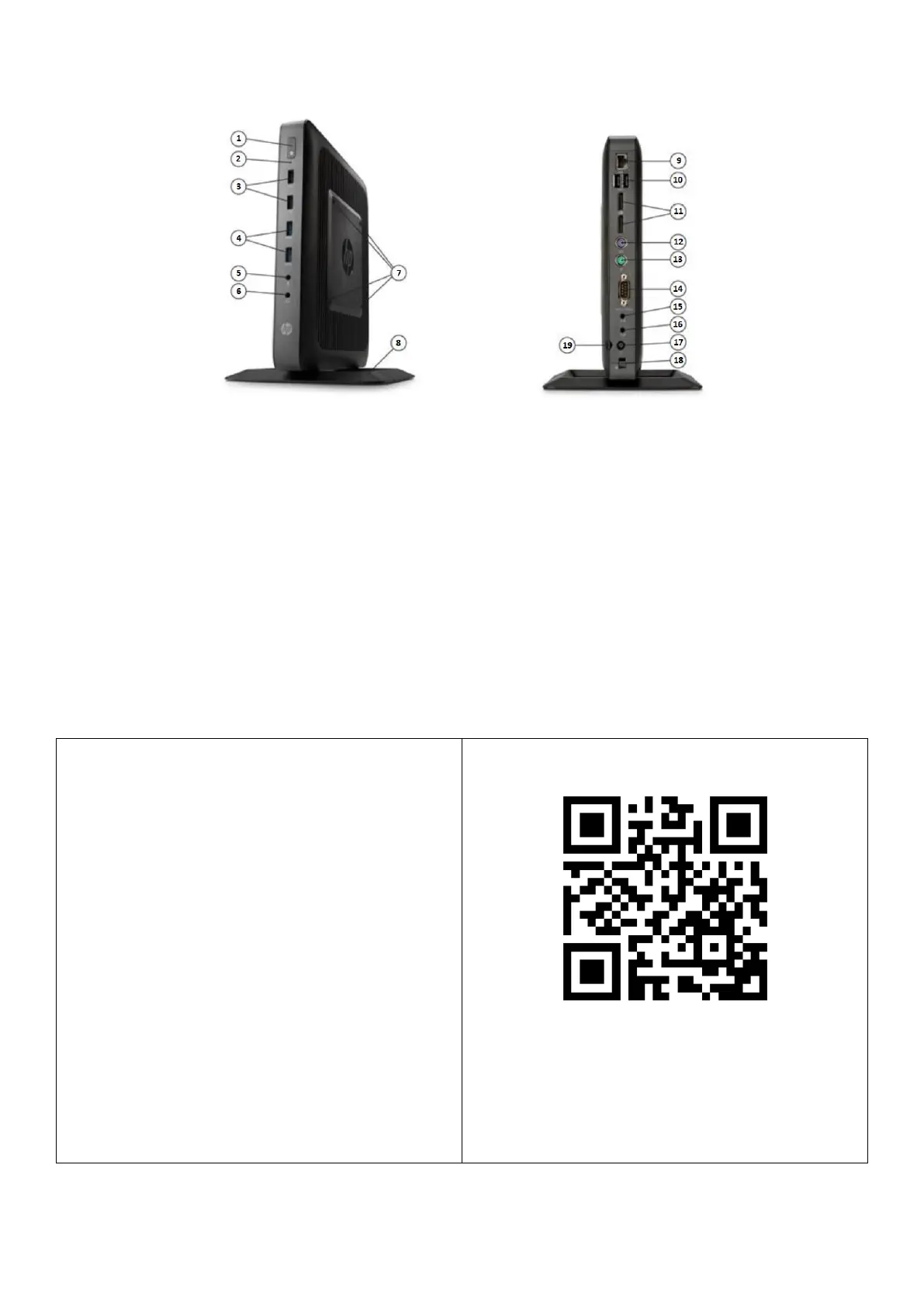
- connect the Ethernet cable to the ETH port (9)
- connect the monitor to the VGA port (14)
- connect peripherals (mouse, keyboard) to the PS
ports (12,13) or USB ports (3,4,10)
- connect the power supply to the power outlet
(17)
After the device is connected correctly, the login page
to the system will appear on the monitor. Using the
mouse or keyboard, we enter the default access data:
user: admin
Password: Nascam1234
In the following, we follow the description available in
the full documentation.
Full documentation : nascam.cz/guide
Contents:
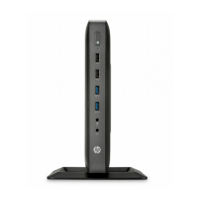
- HP T620 DVR,
- Vertical stand,
- Power supply with power cord,
- Quick Installation Guide.


 To Previous Page