Chapter 9 : Photos, videos, and music 141
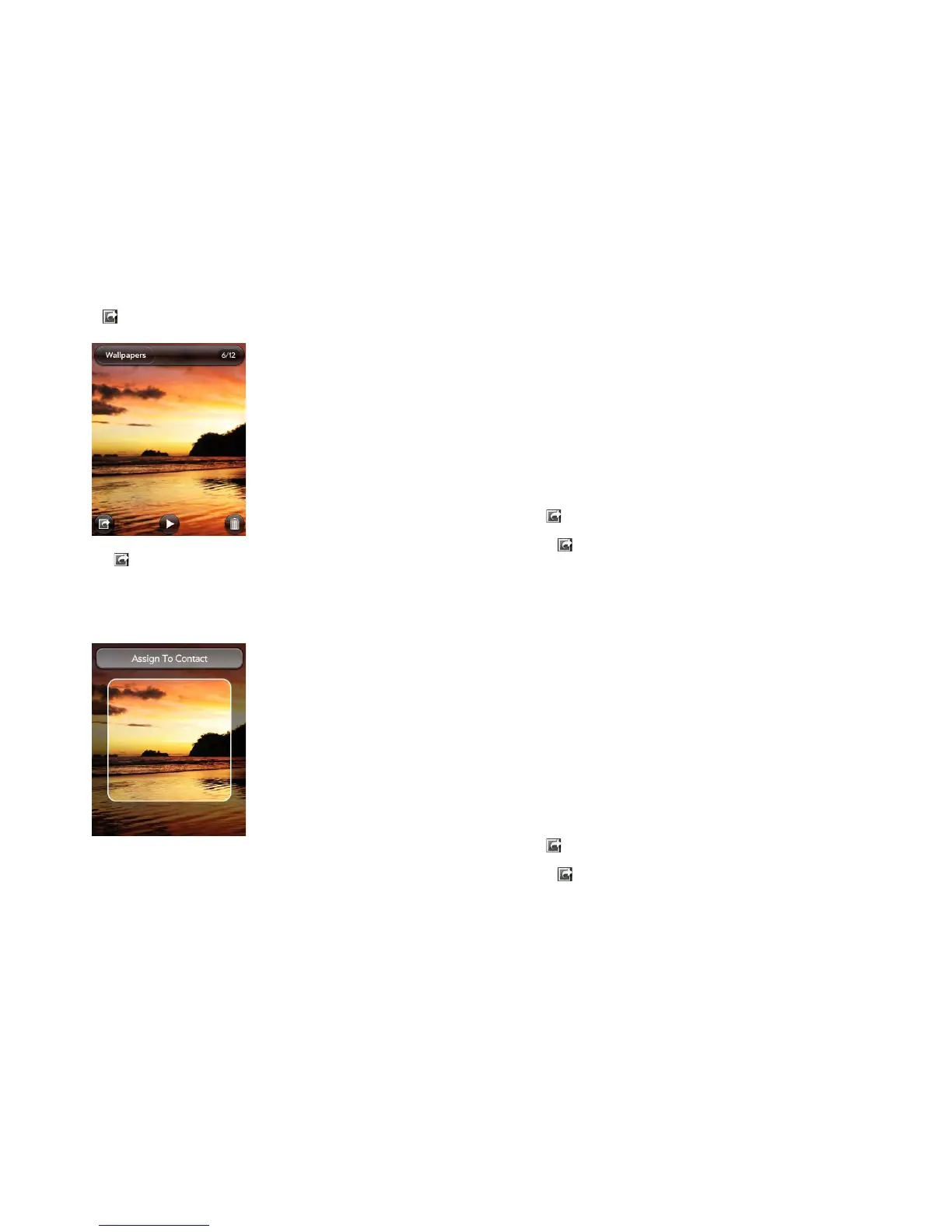
2 If is not visible, tap the screen to display it.
3 Tap and tap Assign to contact.
4 Enter the contact name and tap the contact.
5 (Optional) Do either or both of the following:
• To zoom out or in on a part of the picture: Pinch in or out on the
picture.
• To capture the portion of the picture you want for the contact photo:
Tap and hold the picture, and then drag the portion you want to the
center of the onscreen box. This portion becomes the contact photo.
6 Ta p Assign To Contact.
Save a picture as wallpaper
Wallpaper is the background screen that appears in Card view.
1 Tap a picture thumbnail to view it full-screen.
2 If is not visible, tap the screen to display it.
3 Tap a nd ta p Set wallpaper.
4 (Optional) To zoom in or out on a part of the picture, pinch out or in on
the picture.
If you have zoomed in on a picture, to capture the portion you want to
use as wallpaper, tap and hold the picture, and then drag the portion
you want to the center of the screen. This portion becomes the
wallpaper.
5 Ta p Set Wallpaper.
Share a picture
You can send a picture to other picture-enabled devices or to an email
address as an attachment.
1 Tap a picture thumbnail to view it full-screen.
2 If is not visible, tap the screen to display it.
3 Tap a nd ta p Share via email or Share via MMS.
4 Create the email or multimedia message.



 To Next Page