152 Chapter 9 : Photos, videos, and music
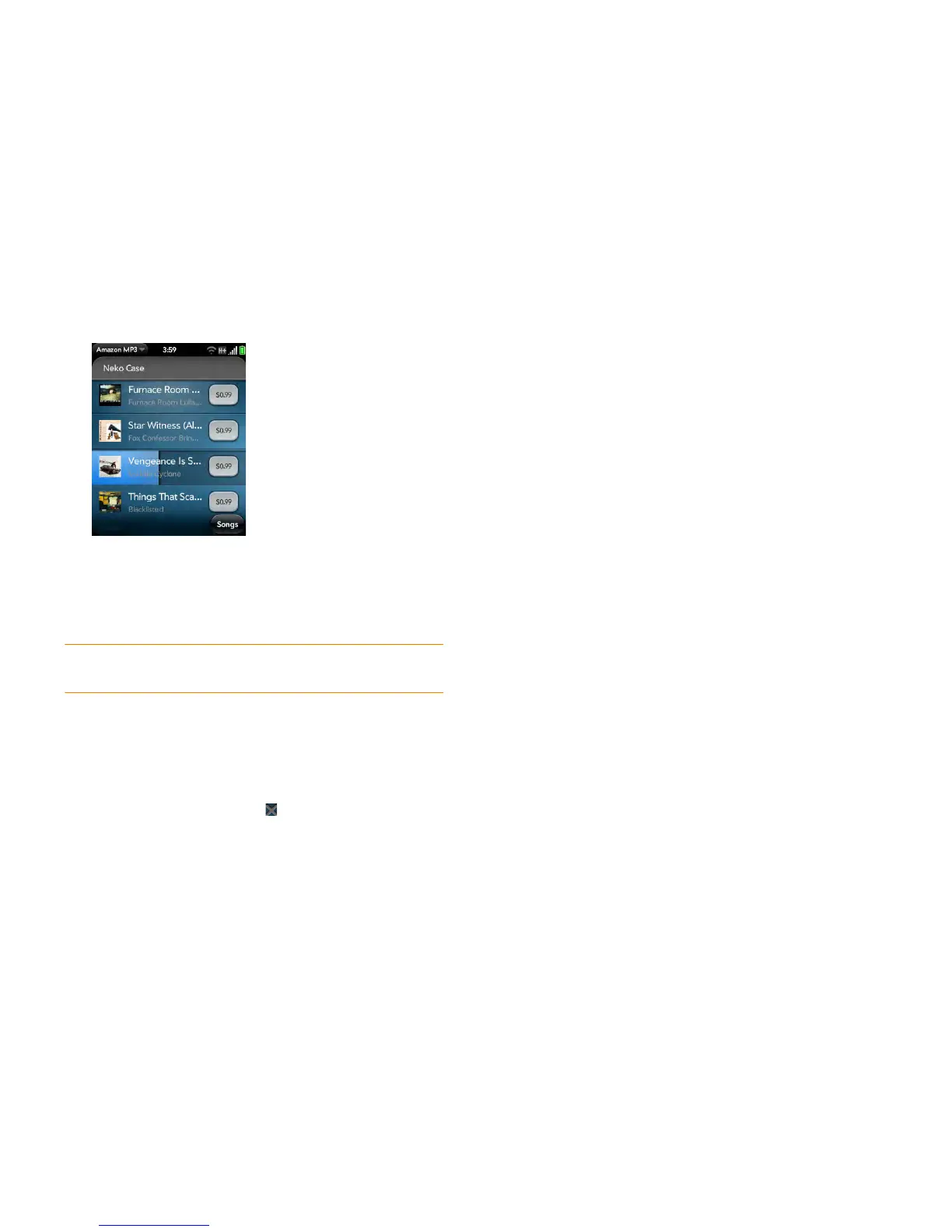
2 To preview a song, tap anywhere on the song entry except the price.
3 Tap the song price and tap Buy.
4 Enter your email address and password, and tap Sign In. To purchase
songs without needing to enter your password each time, turn on
Enable 1-Click.
IMPORTANT When you are signed in to your Amazon MP3 account, your
credit card is charged for the price of an item as soon as you tap Buy.
View and work with downloaded items
1 Open the application menu and tap Downloads. This displays items
that you are currently downloading or that you already downloaded.
2 To cancel a current download, tap .
After you download an item, listen to it in the Music application (see Get
music onto your smartphone).



 To Next Page