220 Chapter 14 : Troubleshooting
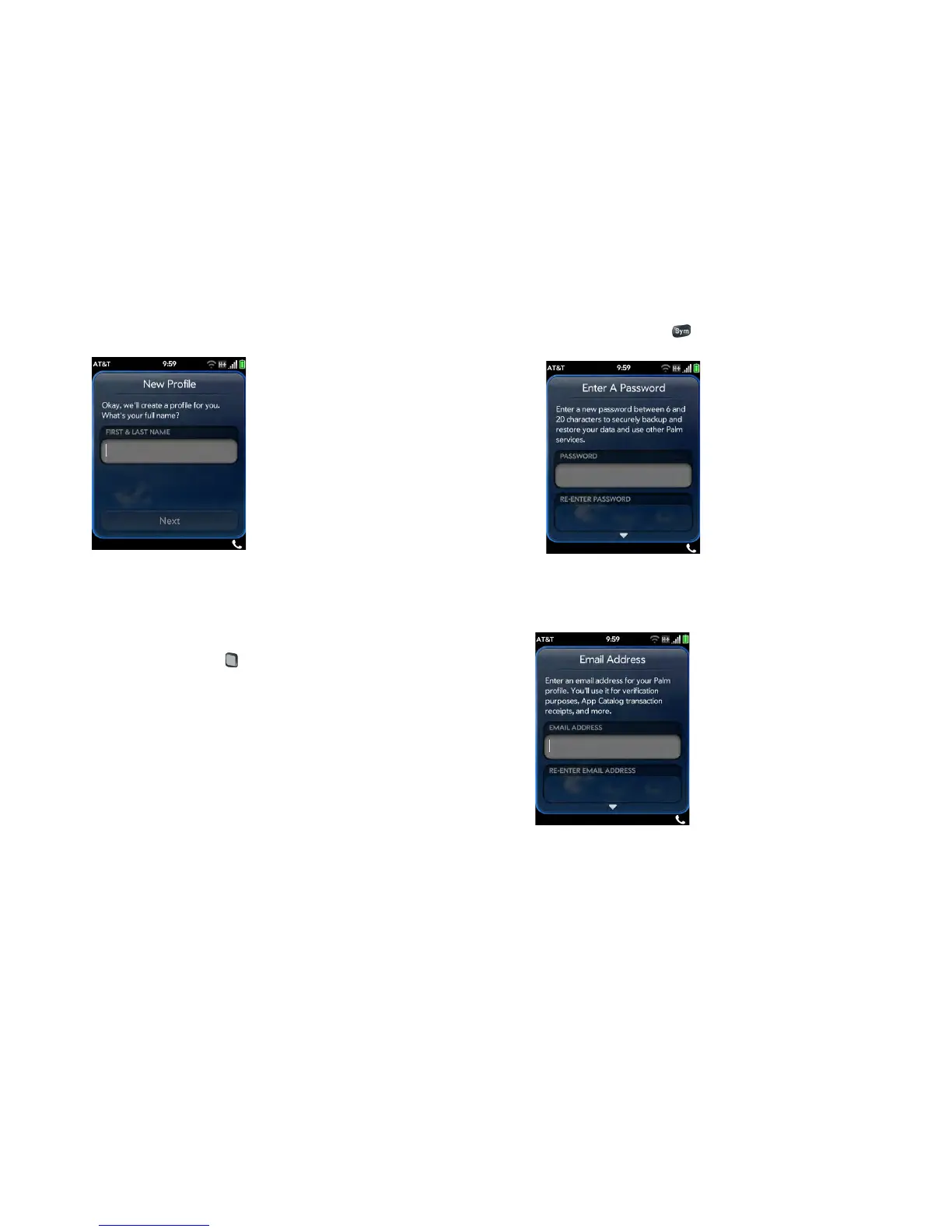
2 Tap the field labeled First & Last Name and enter your first and last
name. Tap Next.
3 Create a password for your profile. It must be between 6 and 20
characters long. You must enter it exactly the same way in the
Password and Re-enter Password fields. Note the following when
you enter your password:
• To type a number or symbol that appears above a letter on the
keyboard: Press Option and then the key (see Enter alternate
keyboard characters).
• To enter an accented character or a symbol that doesn’t appear on
the keyboard: Press Sym and scroll through the table to find the
symbol (see Enter characters from the symbols table).
4 Ta p Next.
5 Enter a valid email address. Do the following:
• Enter the full address, for example: yourname@emailaccount.com.
• Enter the address accurately, with an @ sign and a period, and the
appropriate domain type at the end (com, net, and so on).
• Enter the exact password you use to access this email account.



 To Next Page