Chapter 4 : Work with applications 51
2 Drag the icon to a new location on any page.
Add a Launcher page
1 Open the Launcher (see Open an application in the Launcher).
2 Open the application menu and tap Add Launcher Page. The page
appears to the right of the page that was displayed when you opened
the menu.
3 Enter a new name for the page.
4 Tap outside the field or press Enter to accept the new name.
Reorder Launcher pages
1 Open the Launcher (see Open an application in the Launcher).
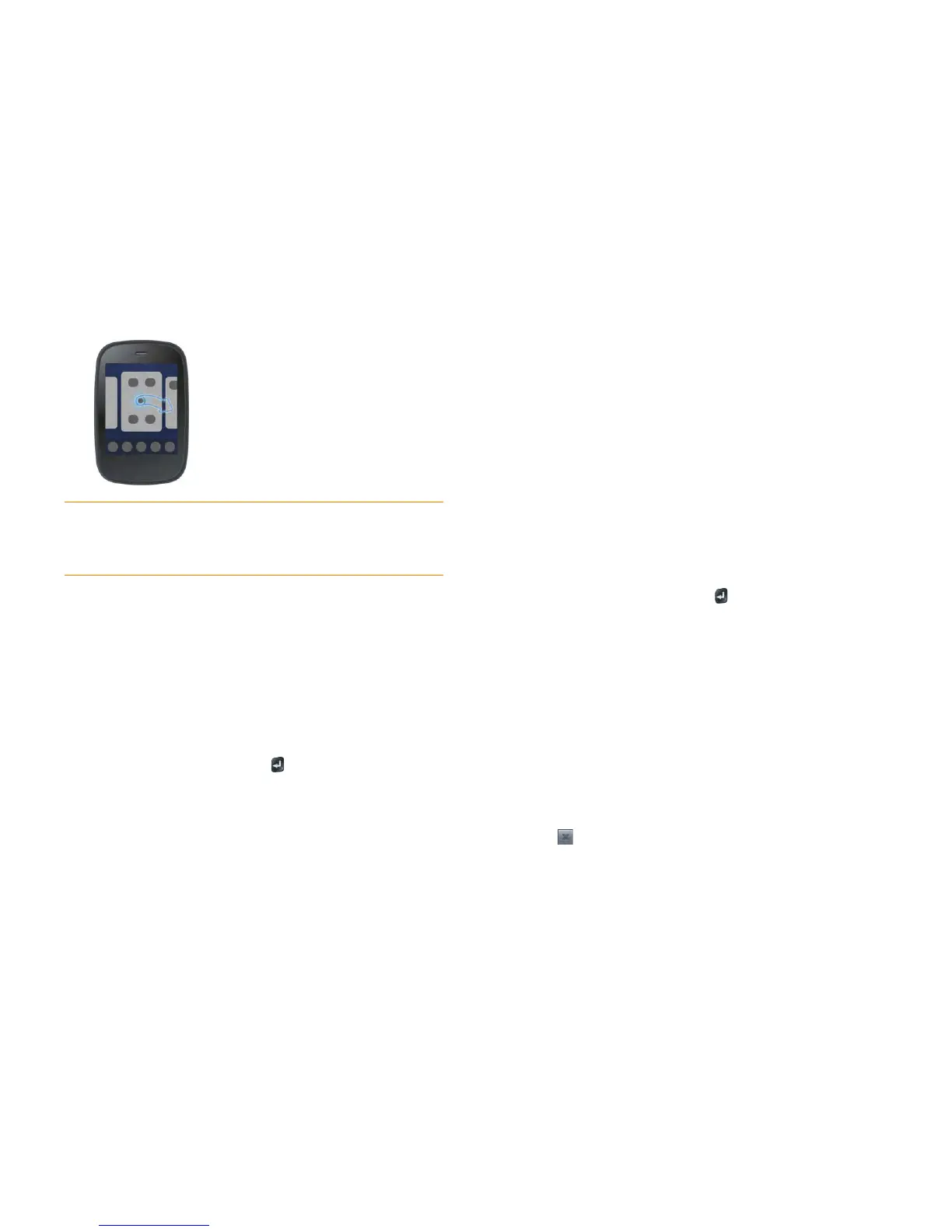
2 Open the application menu and tap Reorder Launcher Page. This
reduces the Launcher pages to a series of cards.
3 Scroll to the page you want to move.
4 Tap and hold the page.
5 Drag the page to its new location, and release.
6 (Optional) Repeat steps 3–5 to move other Launcher pages.
Rename a Launcher page
1 Open the Launcher (see Open an application in the Launcher).
2 Scroll to the page you want to rename.
3 Tap and hold the current name.
4 When the current name is highlighted, enter a new name.
5 Tap outside the field or press Enter to accept the new name.
Delete a Launcher page
Before you delete a Launcher page, you must move all the icons to another
page, as described here. You can’t delete a page displaying any icons.
1 Open the Launcher (see Open an application in the Launcher).
2 Scroll to the page you want to delete.
3 Move the icons that appear to another Launcher page (see Reorder
Launcher icons), or delete the icons for applications you installed (see
Delete applications).
4 Tap in the center of the empty page.
TIP You can also add your closest contacts and favorite websites to the Launcher
(see Add a contact entry to the Launcher and Add a web page to the Launcher),
and then organize your Launcher icons and pages to create a page of contacts and
a page of websites.



 To Next Page