56 Chapter 4 : Work with applications
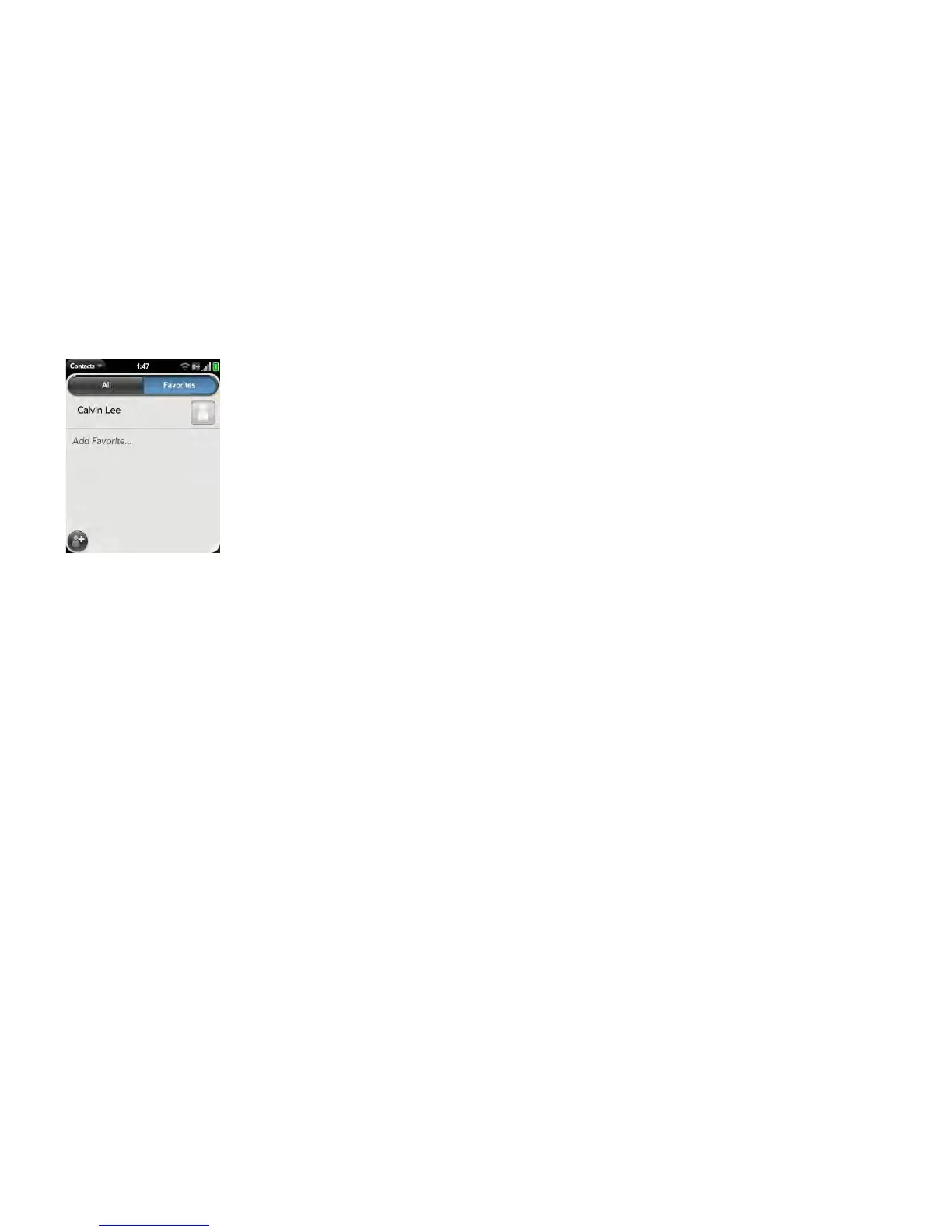
Contacts: See all your favorites by tapping Favorites on the contacts list
screen. On your complete contacts list, favorites are noted by a star.
Just Type: When you enter a search term, matching favorites appear at the
top of the contacts search results and are noted by a star.
Email and Messaging: When you begin typing a contact name to address a
message, matching favorites appear grouped at the top of the search results
list and are noted by a star.



 To Next Page