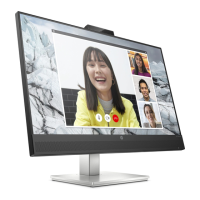
4.2 Getting start with video calling
To take advantage of video calling, both you and the
person you call must install video-calling application such
as SkypeTM, Yahoo! @Messenger, Windows Live@
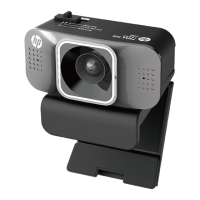
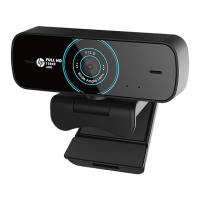
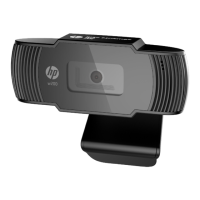
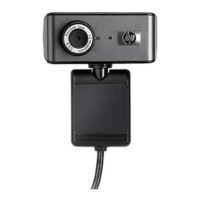
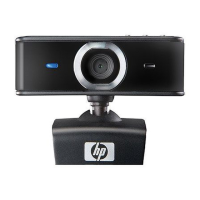
Messenger or Gmail. As well as a USB camera and video
calling application, both
callers need:
• A computer with speaker (or a headset).
• A broadband internet connection (e.g., DSL, T1, or cable)
Please check your preferred video calling
application requirements. (Requirements may vary
between different applications but usually a minimum of
2Mbps upload speed is required).


 To Next Page