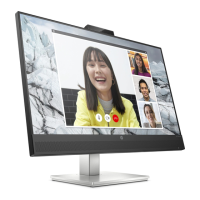
6.3 Getting start with video calling
To take advantage of video calling, both you and the
person you call must install video-calling application such
as SkypeTM, Yahoo! @Messenger, Windows Live@
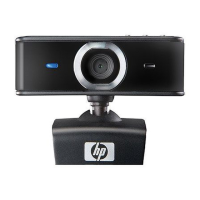
Messenger or Gmail. As well as a USB camera and video
calling application, both callers need:
• A computer with speaker (or a headset).
• A broadband internet connection (e.g., DSL, T1, or cable).
Please check your preferred video calling application
requirements. (Requirements may vary between different
applications but usually a minimum of 2Mbps upload
speed is required).
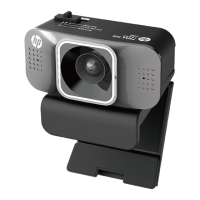
7. Intelligent noise reduce mode
environment and you want your
speech to be heard clearly, you
can switch Conference Mode or
Private Mode. If you don’t need
noise reduce effect and want to
keep the surrounding sound as it
is, you can switch to Normal


 To Next Page