Wireless (Select Models Only)
Setting Up a WLAN in Your Home
Microsoft Windows XP supports WLAN configuration with the
Zero Client Configuration feature.
To set up a WLAN and connect to the Internet in your home, you
need the following equipment:
• A broadband modem (either DSL or cable) O and
high-speed Internet service purchased l]om an Internet
service provider (ISP).
• A wireless router (purchased separately) O.
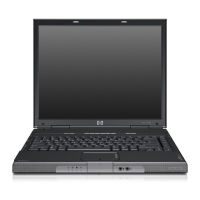
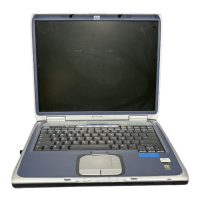
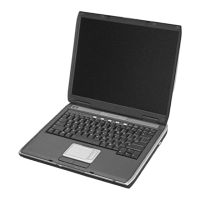
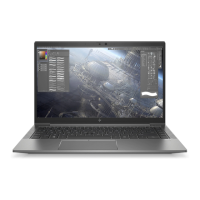
• Your wireless notebook 0, which varies in appearance by
model.
The illustration below shows an example of a completed wireless
network installation that is connected to the Internet.
As your network grows, additional wireless and wired computers
can be connected to the network to access the Internet.
_xIf you need technical assistance to install your home WLAN,
contact the router manufacturer or your ISR
5-4 Hardware and Software Guide





 To Next Page