EasyManua.ls Logo

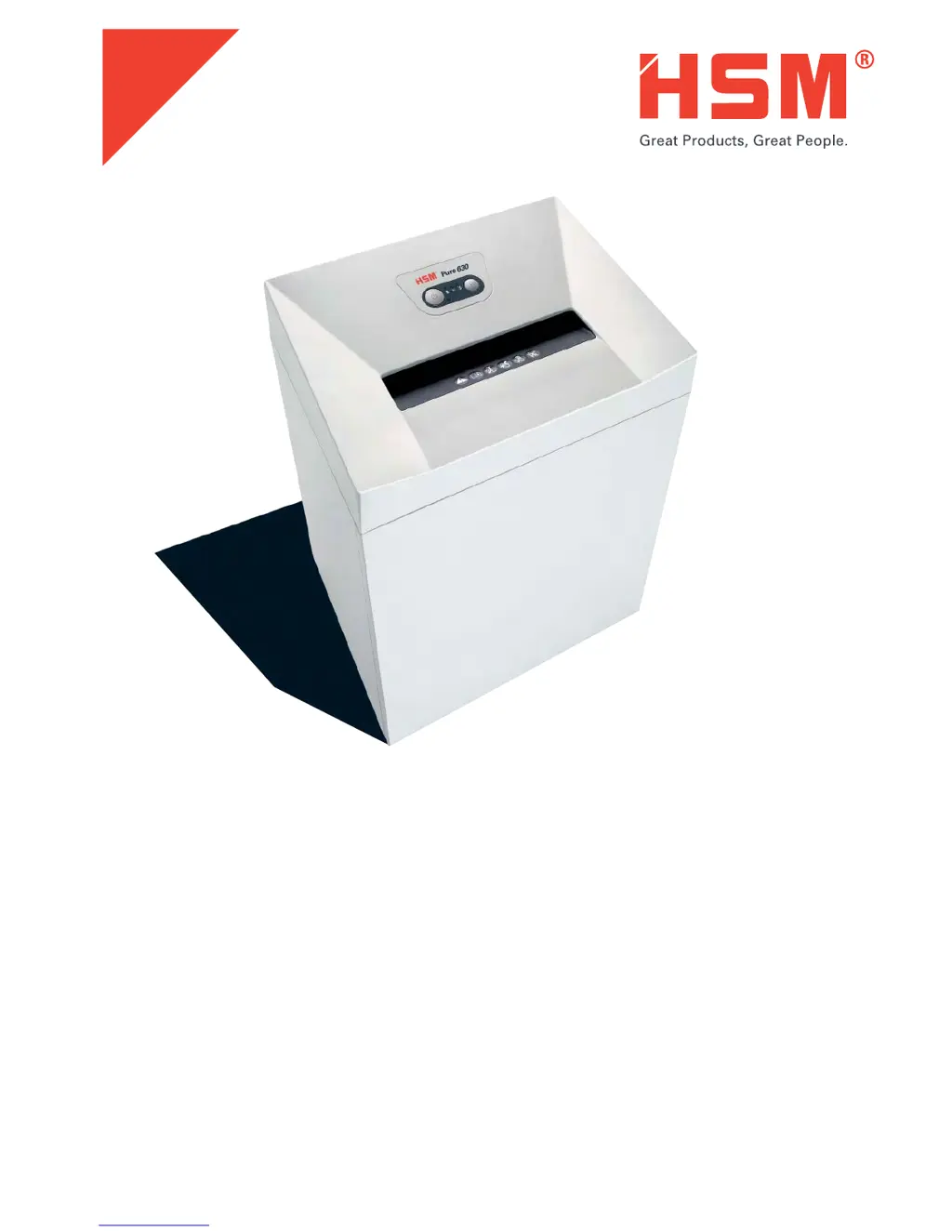
HSM Pure 630 - User Manual

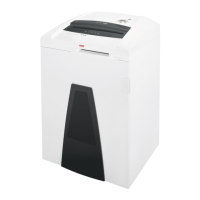
HSM Pure 630
156 pages
Go to English
Print Icon
To Next Page IconTo Next Page
Loading...
2.360.999.200
11/2015
BETRIEBSANLEITUNG
OPERATING INSTRUCTIONS
NOTICE D‘UTILISATION
MANUALE OPERATIVO
INSTRUCCIONES DE SERVICIO
INSTRUÇÕES DE OPERAÇÃO
GEBRUIKSAANWIJZING
BRUGSVEJLEDNING
BRUKSANVISNING
KÄYTTÖOHJE
BRUKSANVISNING
INSTRUKCJA OBSŁUGI
NÁVOD K OBSLUZE
NÁVOD NA OBSLUHU
KASUTUSJUHEND
ИНСТРУКЦИЯ ПО ЭКСПЛУАТАЦИИ
NAVODILO ZA UPORABO
ÜZEMELTETÉSI ÚTMUTA
MANUAL DE EXPLOATARE
ИНСТРУКЦИЯ ЗА ЕКСПЛОАТАЦИЯ
ΟΔΗΓΙΕΣ ΛΕΙΤΟΥΡΓΙΑΣ
KULLANIM KILAVUZU
Pure 630
http://www.monomachines.com/

Table of Contents

Questions and Answers

  • S
    Sean CooperJul 27, 2025
    How to fix a paper jam in HSM Pure 630 Paper Shredder?
    • S
      Sarah VargasJul 27, 2025
      If your HSM Paper Shredder has a paper jam, it might be because you've fed too much paper at once. The shredder's cutting unit should automatically run in reverse to push the paper back out. If it doesn't, press the reverse button to remove the stack. Reduce the stack of paper by half and feed it in portions.
  • R
    Ronald PhillipsAug 2, 2025
    What to do if the shredded material container is full in my HSM Paper Shredder?
    • A
      Amy SmithAug 2, 2025
      If the shredded material container in your HSM Paper Shredder is full, empty it. Briefly pressing the reverse button before removing the container can help pull some material back into the cutting apparatus, preventing it from falling out of the document shredder.
  • M
    Michael WoodardAug 8, 2025
    Why HSM Pure 630 is overloaded?
    • J
      johnsmithAug 8, 2025
      If your HSM Paper Shredder is overloaded, it means the motor has been working too hard. To resolve this, let the shredder cool down for approximately 15 to 20 minutes before using it again.
  • B
    Barry BarrAug 14, 2025
    What to do if HSM Pure 630 Paper Shredder displays a general fault?
    • J
      James PerkinsAug 14, 2025
      If your HSM Paper Shredder is showing a general fault, it indicates an issue occurred while shredding. Try pulling the paper out of the slot to clear the light barrier.
  • M
    Matthew WebbAug 20, 2025
    What to do if the door is open on my HSM Pure 630?
    • K
      Kayla LawrenceAug 20, 2025
      If the door is open on your HSM Paper Shredder, simply close the front door.

Summary

Explanation of symbols and safety instructions

Safety instructions

General safety guidelines for operating the shredder, including pre-operation checks.

Dangerous for children and others!

Safety precautions regarding children and unsupervised use of the machine.

Dangerous mains voltage!

Warning about electric shock risks and precautions for handling the power supply.

Proper use, warranty

Operating and display elements

Description of the various buttons, indicators, and their functions on the shredder's control panel.

Initial start-up

Switching on the shredder

Steps to turn on the paper shredder and indicators for readiness.

Shredding paper

Instructions on how to feed paper into the shredder for automatic cutting.

Shredding CDs and credit cards

Other function modes

Details on 'Permanent mode' and 'Stand-by mode' for the shredder's operation.

Shredding credit cards and store cards

Instructions for shredding credit and store cards, and waste separation.

Switching off the shredder

Procedure for safely turning off the paper shredder.

Troubleshooting

Paper jam

Resolving issues related to paper jams, including reverse function and portion feeding.

Overload

Addressing motor overload by allowing the shredder to cool down.

General fault displays

Troubleshooting general faults indicated by flashing lights, such as clearing the light barrier.

Shredded material container full

Action required when the shredded material container is full, including using the reverse button.

Door open; Safety element pressed

Resolving issues where the door is open or the safety element is pressed.

Cleaning and maintenance

Cross cut only: Oiling the cutting unit

Instructions for oiling the cutting unit, especially for cross-cut models, to maintain performance.

Disposal; Recycling

Scope of delivery

Lists the items included in the product packaging and available accessories.

Technical data

HSM Pure 630 Specifications

General IconGeneral
Entry width299 mm
Basket volume129 L
Product colorWhite
Shredding CDsYes
Working width4.76 mm
Shredding size28 mm
Shredding typeCross shredding
Shredding paper clips-
Security level (paper)3
AC input voltage115 V
AC input frequency60 Hz
Power consumption (typical)590 W
Weight and Dimensions IconWeight and Dimensions
Depth482 mm
Width619 mm
Height889 mm
Weight53977 g

Related product manuals