6
English
LED status indicator
3 second light
power on/o
slow single flashing
speaker is on and available for
connection
slow double flashing
speaker is on and connected
quick flashing
pairing mode
solid light
charging (when speaker is o)
Note:
When the battery power is low, the LED status indicators will flash
faster than usual.
Using the phone stand
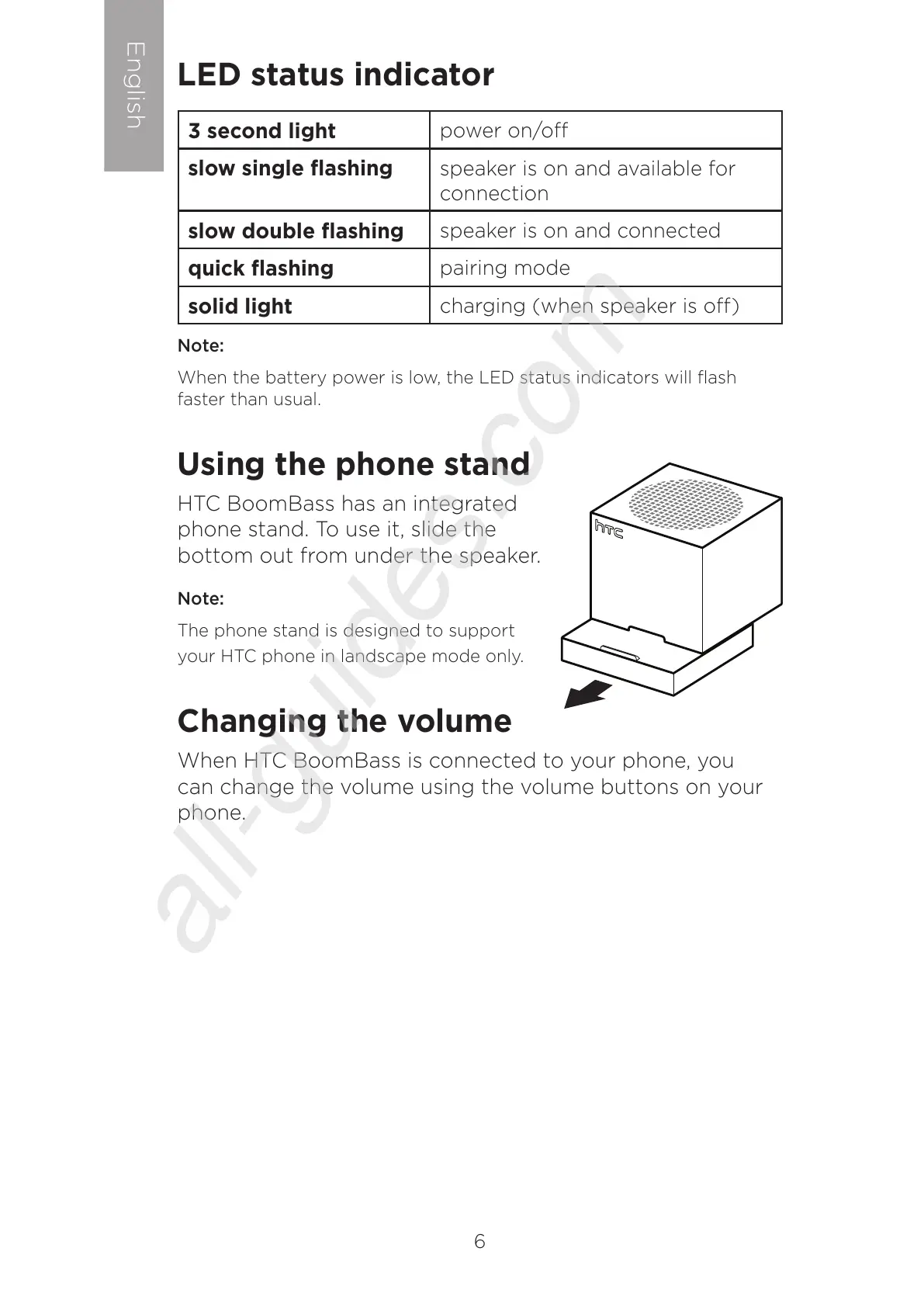
HTC BoomBass has an integrated
phone stand. To use it, slide the
bottom out from under the speaker.
Note:
The phone stand is designed to support
your HTC phone in landscape mode only.
Changing the volume
When HTC BoomBass is connected to your phone, you
can change the volume using the volume buttons on your
phone.



 To Next Page