13 Basics
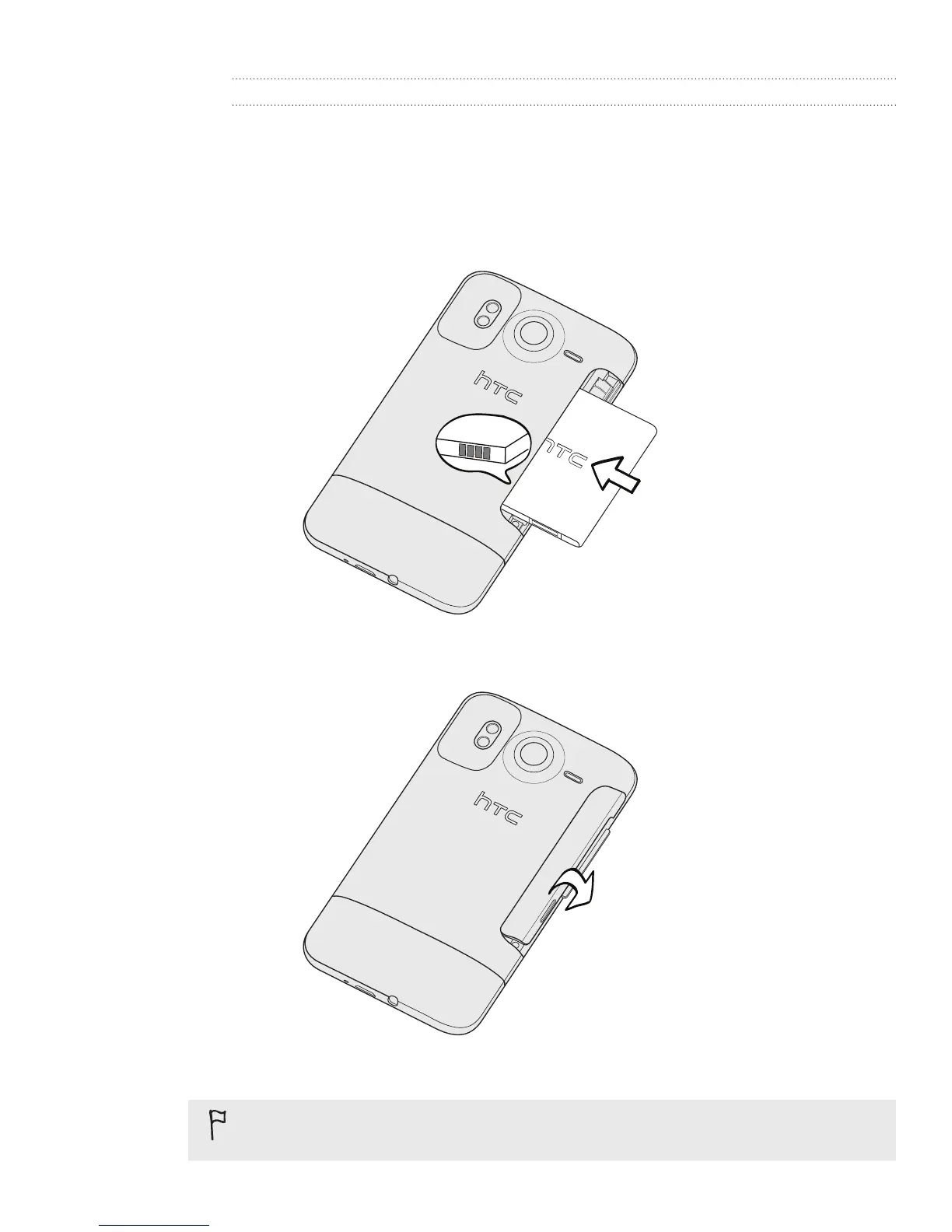
Inserting the battery
Hold your phone securely with the front facing down.
With your thumb or finger, lift the battery compartment cover off from the small
opening on the left side of your phone.
Insert the battery (with its exposed copper contacts first) into the battery
compartment.
4. Put back the battery compartment cover, pushing the battery all the way in.
5. Press down all sides of the cover to lock it in place.
Your phone’s Bluetooth and Wi-Fi antennas are placed underneath the battery compartment
cover. We recommend that you secure the battery compartment cover to the phone for
stronger Bluetooth or Wi-Fi connection.
1.
2.
3.



 To Next Page