8 HTC EVO 4G
Composing messages made better
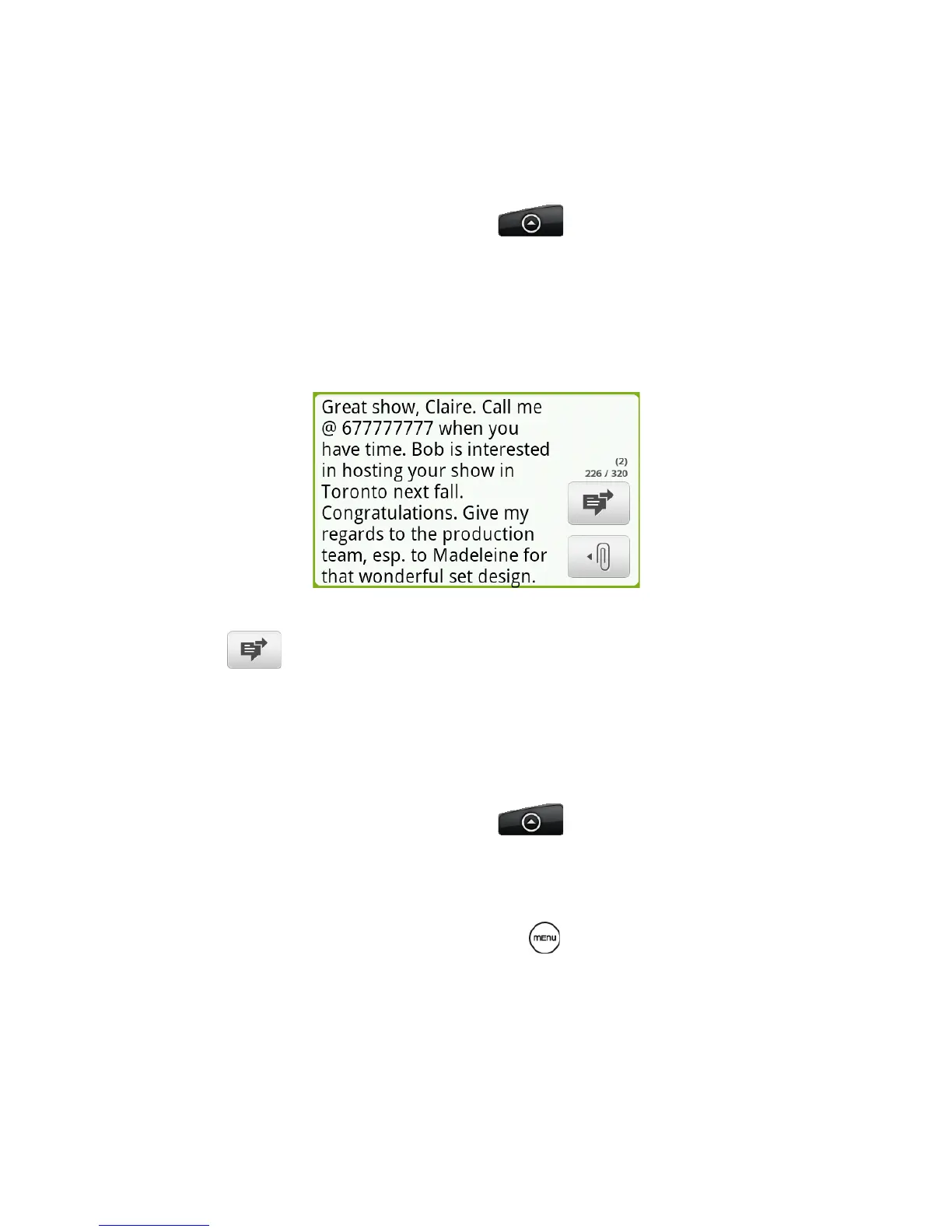
With a bigger text box, you can compose longer text
messages (SMS) and fully express your thoughts.
1. From the Home screen, tap > Messages.
2. Tap New message.
3. Fill in one or more message recipients.
4. Tap the text box that contains the text “Tap to
compose”, and then start composing your message.
5. When you have finished composing the text message,
tap .
Attaching files to your multimedia message (MMS) is
also made easier with a file bar that lets you choose the
file you want to attach to your MMS message.
1. From the Home screen, tap > Messages.
2. Tap New message.
3. Fill in one or more message recipients.
4. Add a subject line by pressing and then tapping
Add subject.



 To Next Page